
Journal Entries on Autopilot — Complete Accounting Automation for Business
BlueBean turns every purchase, virtual card payment, and expense into clean, compliant journal entries—posted to the right accounts, enriched with all coding, and ready for your ERP.
No manual work. No recoding. No reconciliation headaches.
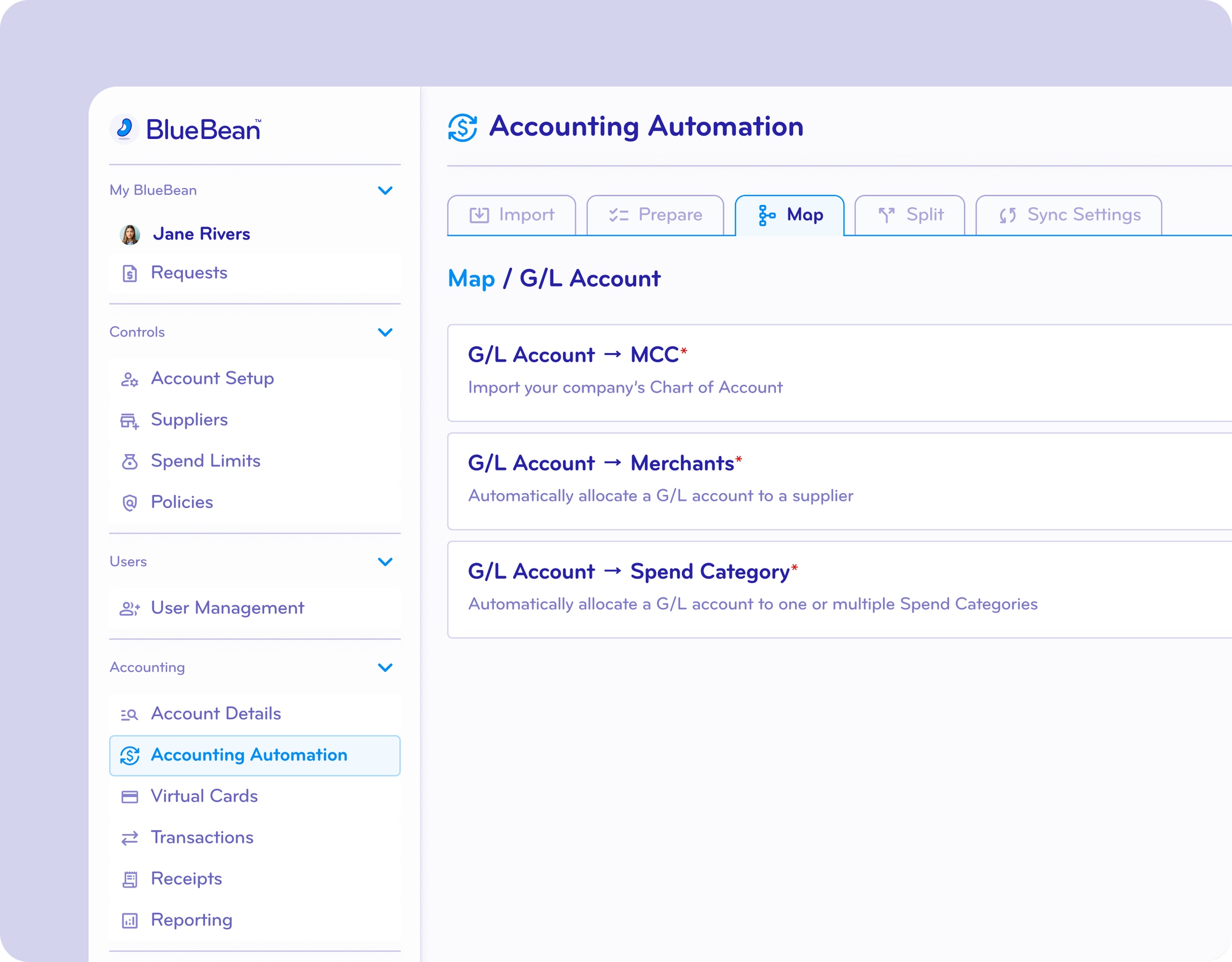
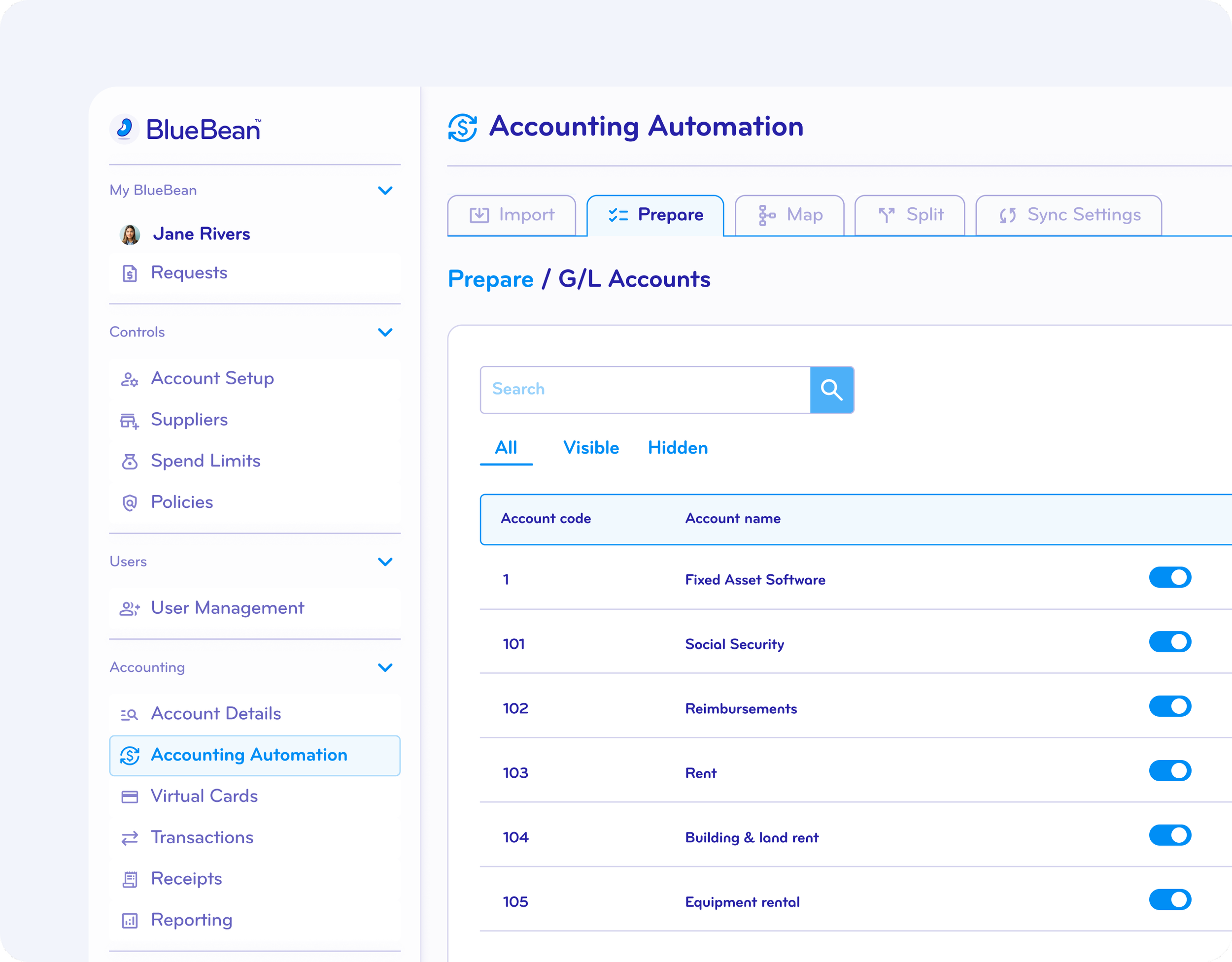
Make Your Chart of Accounts and Cost Objects Instantly Accessible
Upload or sync your chart of accounts and cost objects directly into BlueBean—then choose exactly what employees see versus what stays visible only to accountants and admins.
Your accounting team keeps full control.
Non-finance users see only the categories they should use.
Result: fewer mistakes and dramatically cleaner data.
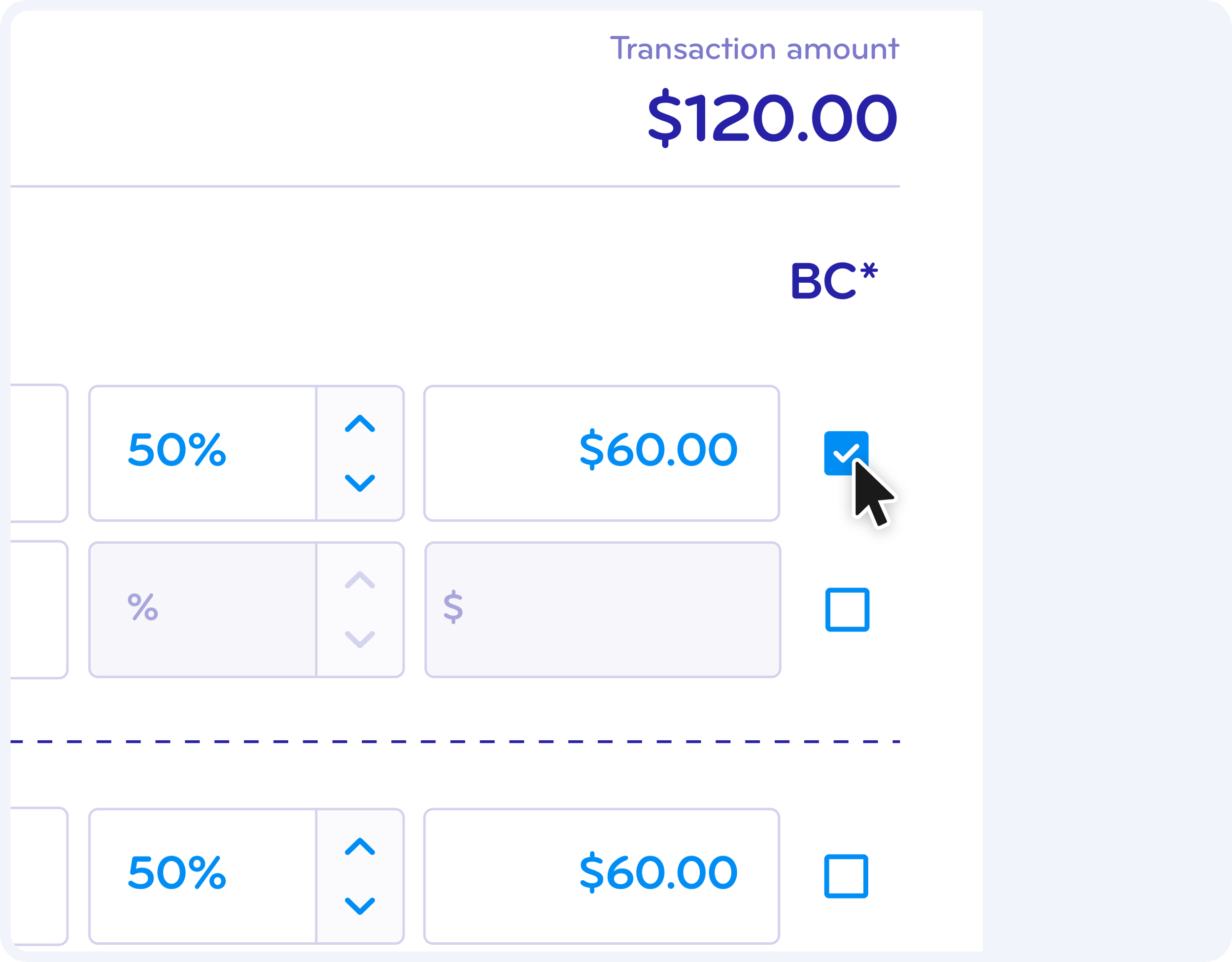
Assign Alternative Accounts for Billable or Rechargeable Charges
Something unique to BlueBean: automatic alternative account mapping for billable or rechargeable spend.
If a charge—or part of it—should hit a billable account, users simply mark it as billable. BlueBean instantly switches to the correct alternative GL account defined by accounting during setup.
No manual adjustments.
No missed revenue.
No duplicate coding.
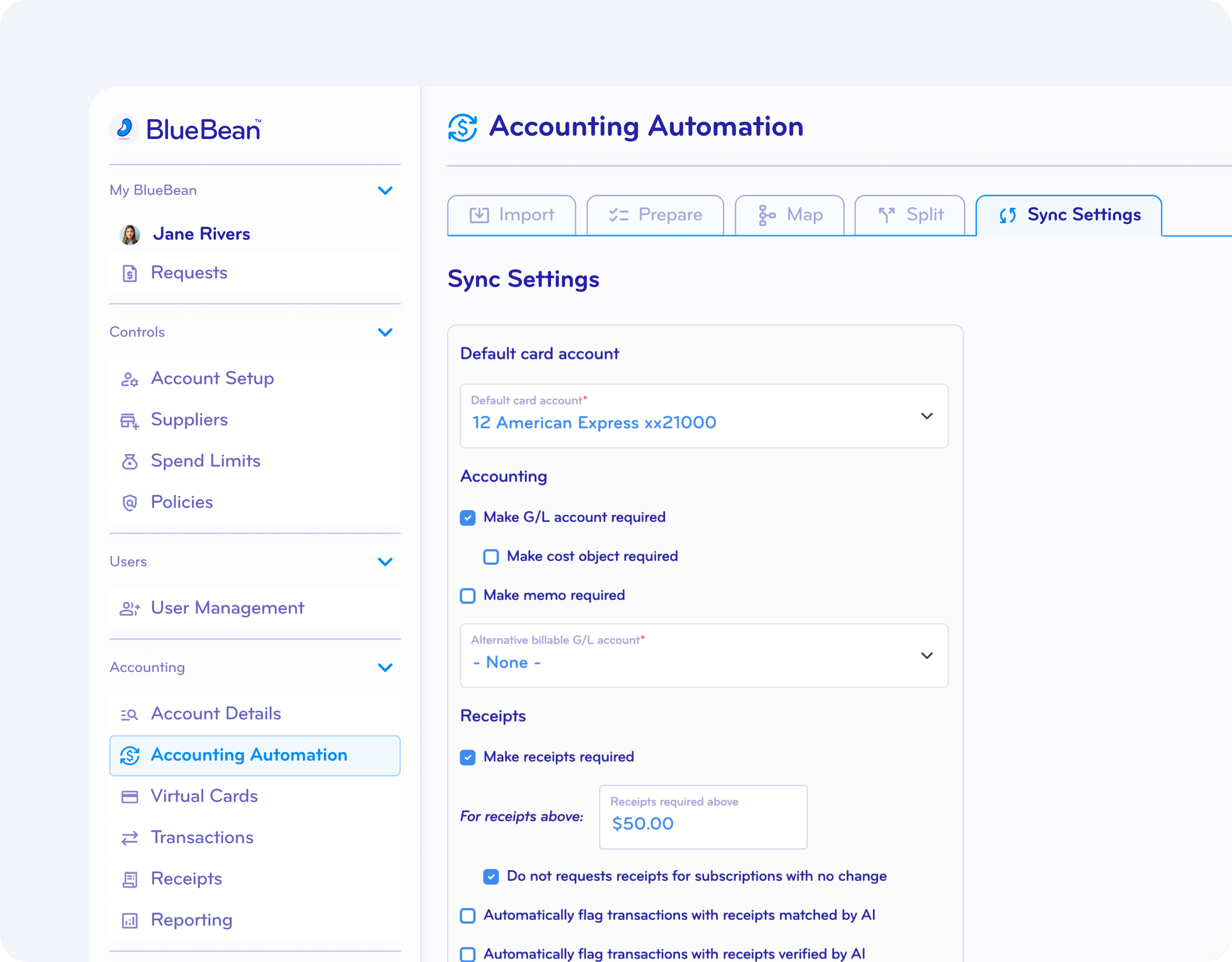
Allocate a Dedicated General Ledger Account for Every Card
Every virtual card in BlueBean can be assigned its own credit account.
This enables:
Automatic liability and clearing entries
Clean reconciliation
Full automation from swipe to ERP posting
Every transaction hits your books correctly—with zero touch.
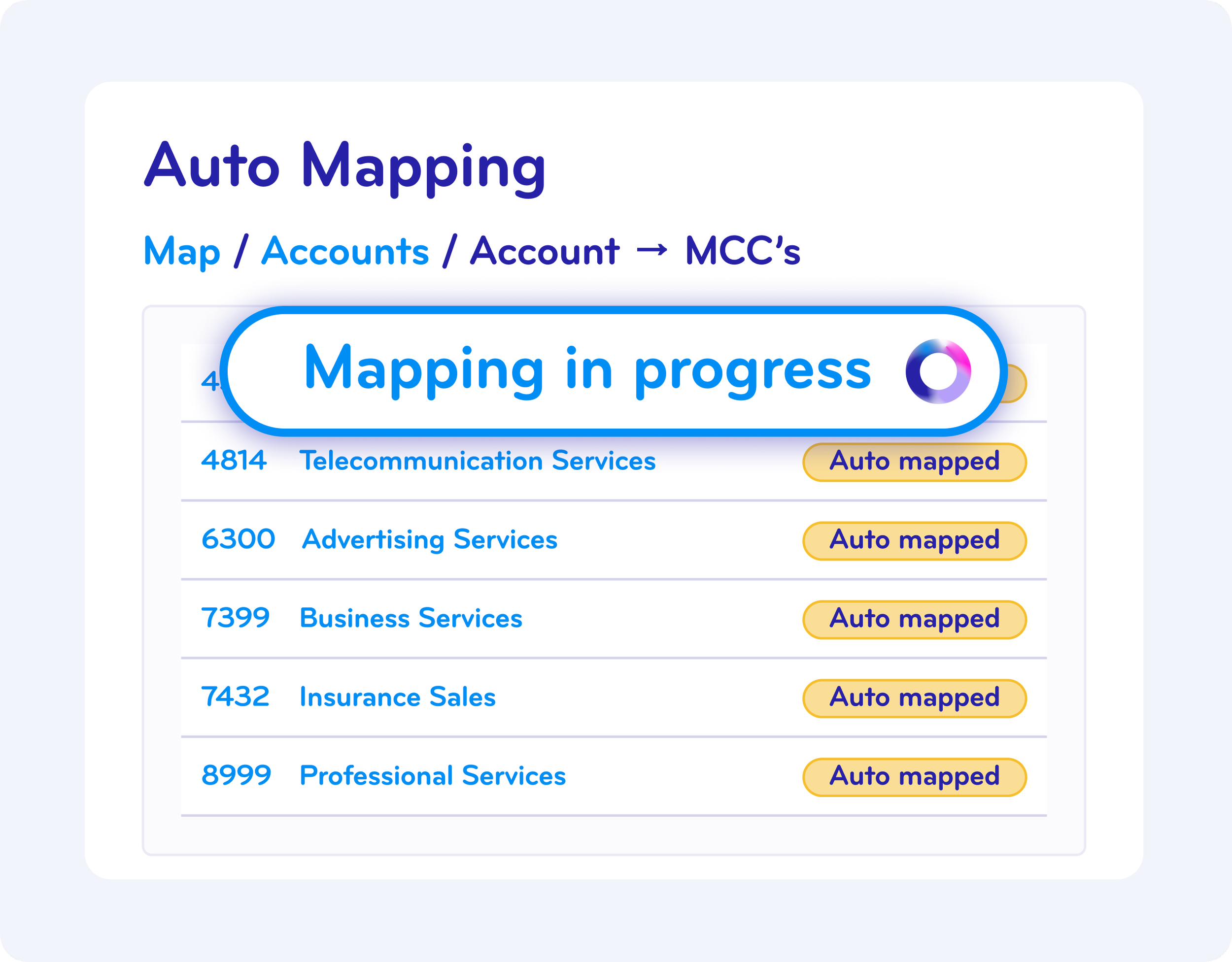
Put Your Accounting Rules on Auto-Pilot — and Supercharge Control
BlueBean applies your accounting rules instantly and consistently:
GL accounts
cost centers & departments
alternative billable accounts
card-specific mappings
Your accounting team sets the logic once; BlueBean runs it flawlessly.
Less correcting. More controlling.
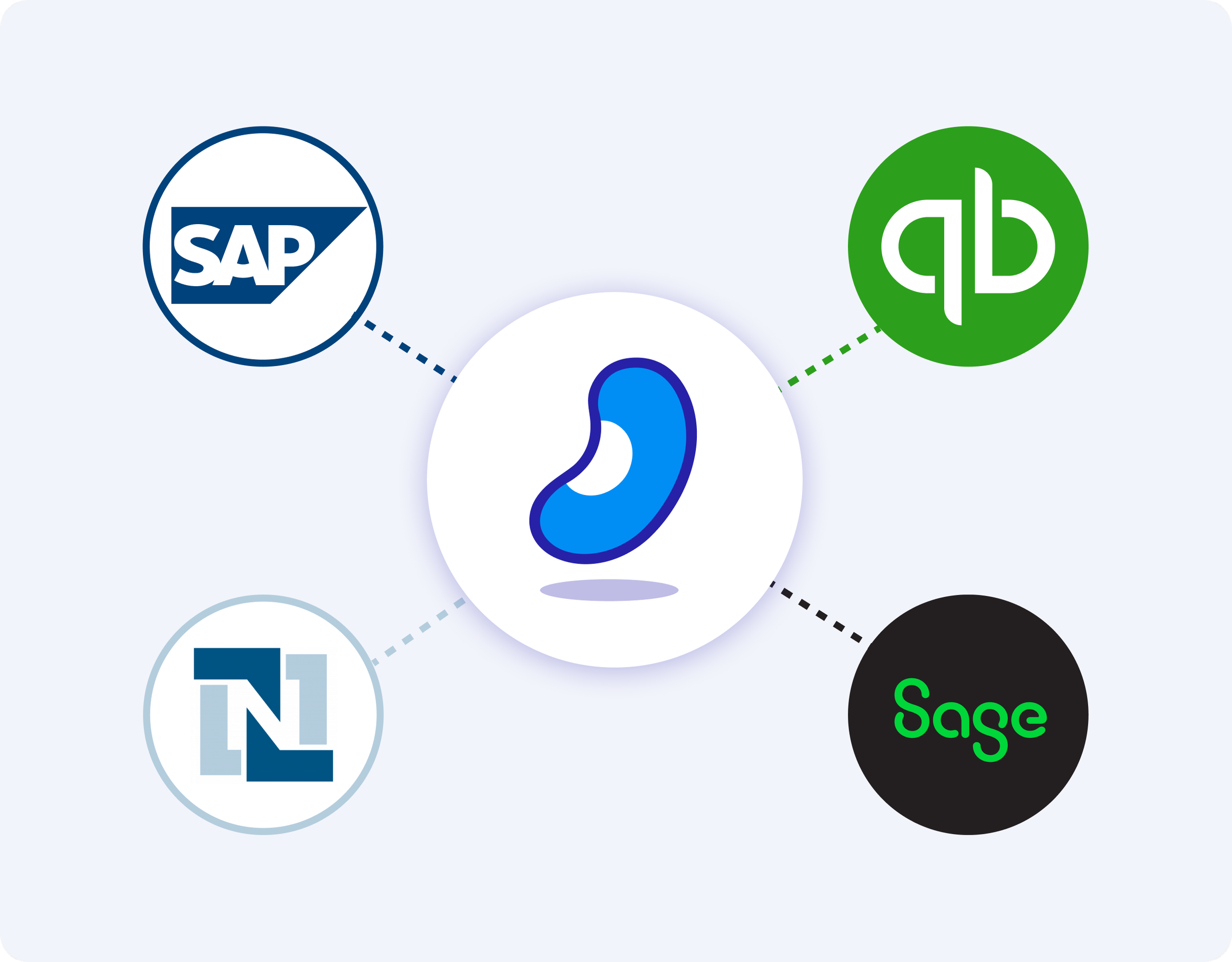
Seamless, Controlled Integration with Your Accounting System
Connect BlueBean to your ERP with secure, controlled sync settings. Push journal entries instantly or on your schedule, and always maintain your ERP as the single source of truth.
two-way sync for accounts and objects
rule-based journal entry posting
configurable automation controls
Automation without complexity. Control without compromise.
End to end Procure to Pay processes that scale ➜
FAQ
-
BlueBean applies your accounting rules at the moment of spend to automatically suggest the correct GL account, cost center, object, tax treatment, and classification for each transaction.
Most of the time this is fully automatic.
If BlueBean cannot confidently determine the right accounting, it prompts the employee or the accountant to choose the correct account from your chart, so nothing gets misclassified or blocked. -
Your chart of accounts, cost centers, and objects are loaded into BlueBean and used by its rules engine.
Typically, BlueBean selects the right account automatically based on:merchant
spend category
employee role
transaction context
your configured rules
When there’s no clear rule or low confidence, BlueBean provides a guided account selection so the employee or accountant can quickly pick the right one, keeping control with finance but minimizing manual effort.
-
Alternative accounts let you define different accounting treatments for specific scenarios, such as:
billable vs. non-billable expenses
project or client-specific allocations
internal vs. external cost treatment
When a transaction matches one of these scenarios, BlueBean either applies the alternative account automatically or, if needed, prompts the user or accountant to select the appropriate one during itemization.
-
Because transactions are enriched at the time of spend, BlueBean can flag issues such as:
unusual or unexpected classifications
duplicate transactions
mismatched receipt amounts
unexpected merchants or categories
invalid or incomplete account combinations
These alerts appear before entries are pushed to your accounting system, so errors are corrected upstream, not discovered at month-end.
-
BlueBean integrates with your accounting platform and sends enriched, structured data that includes:
chosen GL accounts
cost centers / objects / projects
tax treatment (where relevant)
receipt attachments
anomaly flags
Most transactions arrive as ready-to-post journal lines, with any necessary corrections already made within BlueBean.
-
BlueBean eliminates most manual journal entry work.
For the majority of transactions:accounts are set automatically
employees or accountants only adjust when needed
entries are created and sent without retyping
Manual journal entry work is reserved for edge cases, not the standard process.
-
With BlueBean:
transactions are enriched at spend time
coding is validated or corrected early
receipts are already attached
data syncs continuously into your accounting system
By the time you reach month-end, most entries are already coded correctly, documented, and reconciled. Month-end close becomes faster, cleaner, and far less stressful.
-
Yes.
BlueBean supports:multi-dimensional charts of accounts
objects and projects
billable vs. non-billable logic
multi-entity and multi-department configurations
And when rules don’t cover a scenario, BlueBean simply asks for a human choice — which you can then turn into a better rule later. Automation handles the bulk; humans handle the exceptions.