

Expenses that Manage Themselves - Automated Expense Tracking for Business
Give your team a smarter way to track, review, and close expenses. BlueBean captures every transaction the moment it happens, applies your accounting rules automatically, and ensures each expense finishes fully documented and ready for your books.
Spend less time reviewing. Close faster. Stay fully compliant.
Put Accounting Rules on Auto-Pilot
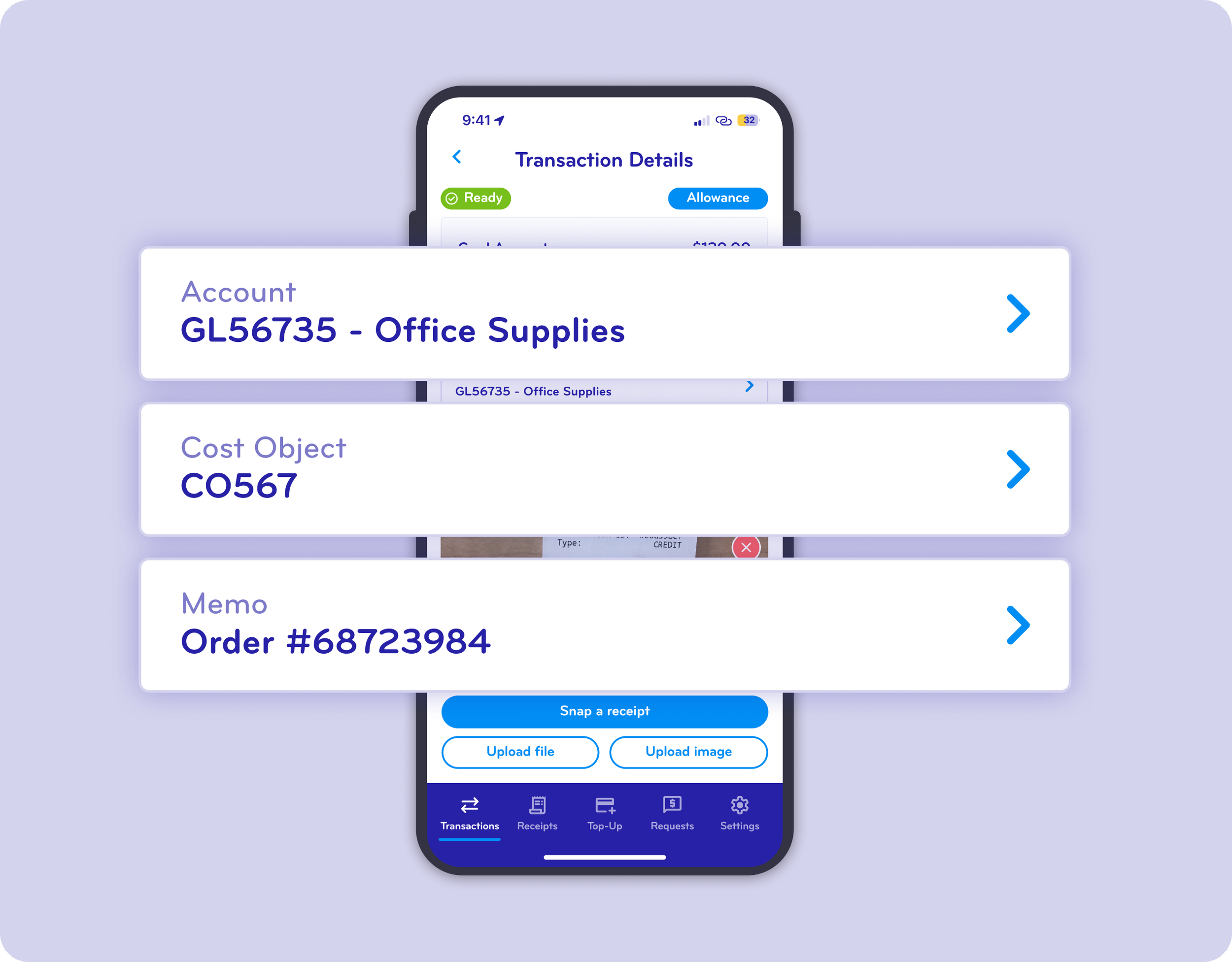
Stop relying on employees to remember accounting details. BlueBean automatically assigns the correct G/L account, cost center, project, or any cost object based on your preset policies.
Your rules. Applied instantly.
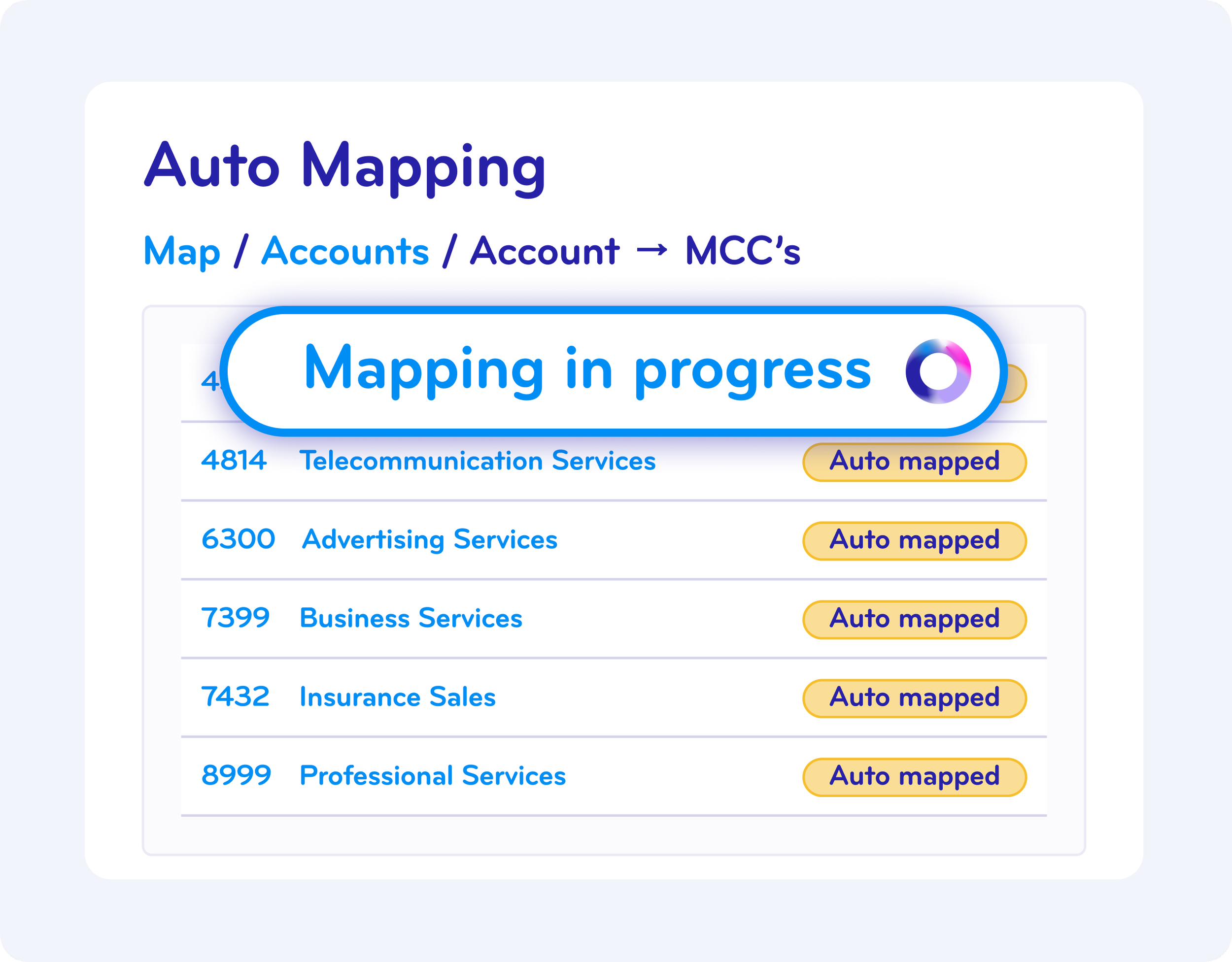
Auto-map transactions based on merchant, user, category, or amount
Build rules once—BlueBean handles every future expense
Eliminate manual errors and downstream cleanup
BlueBean keeps your data clean from day one.
Flag Anomalies Before They Hit Your Books
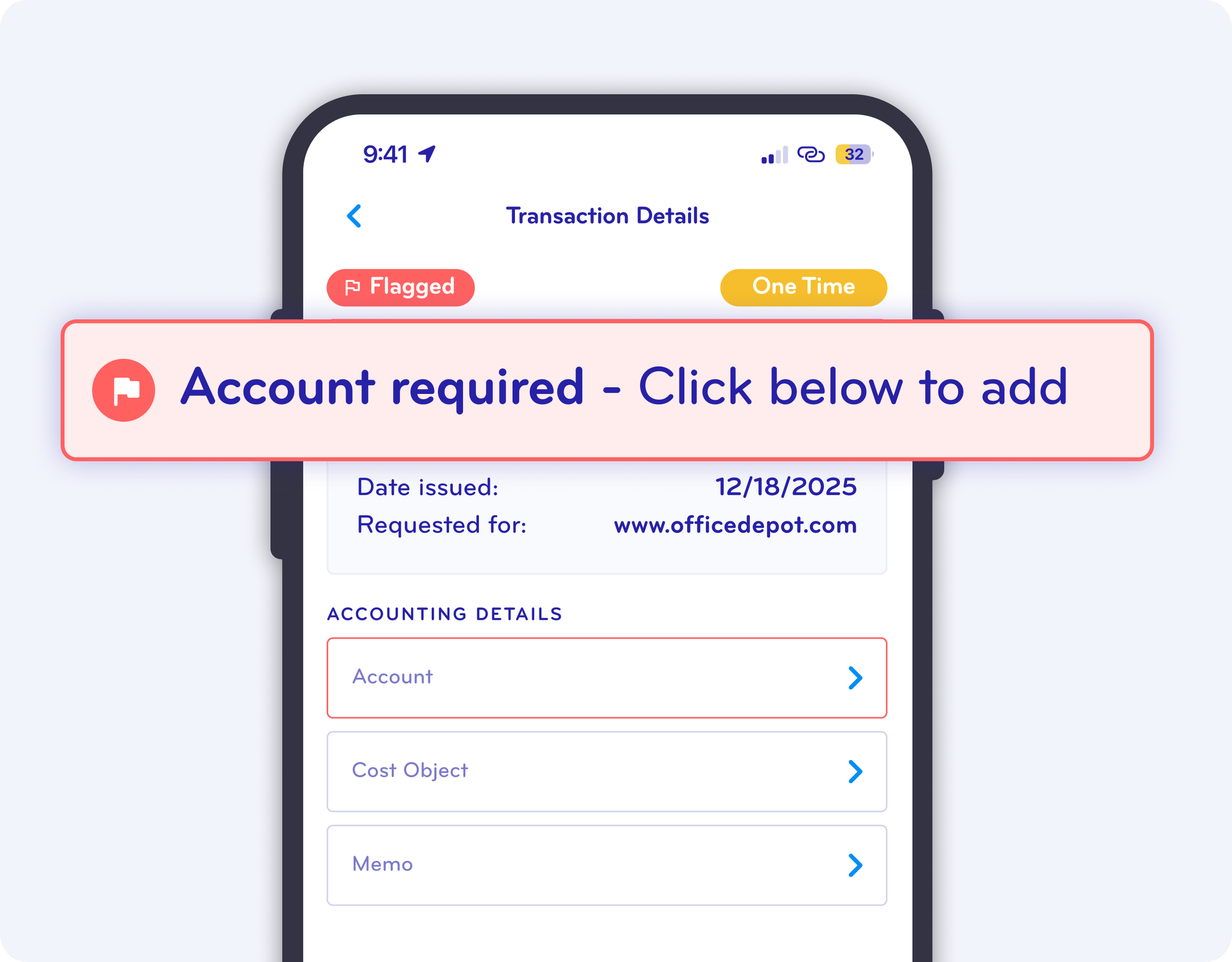
BlueBean catches issues the moment a charge appears—so finance doesn’t have to hunt them down later.
Auto-detection includes:
Missing receipts (based on amount or transaction pattern)
Potentially incorrect or mismatched receipts
Merchants or categories requiring itemization
One-time charges that should match recurring patterns
Any transaction needing extra review before approval
Your team reviews fewer transactions—and only the ones that truly need attention.
Itemize Every Expense with Ease
Complex expenses don’t have to slow your team down.
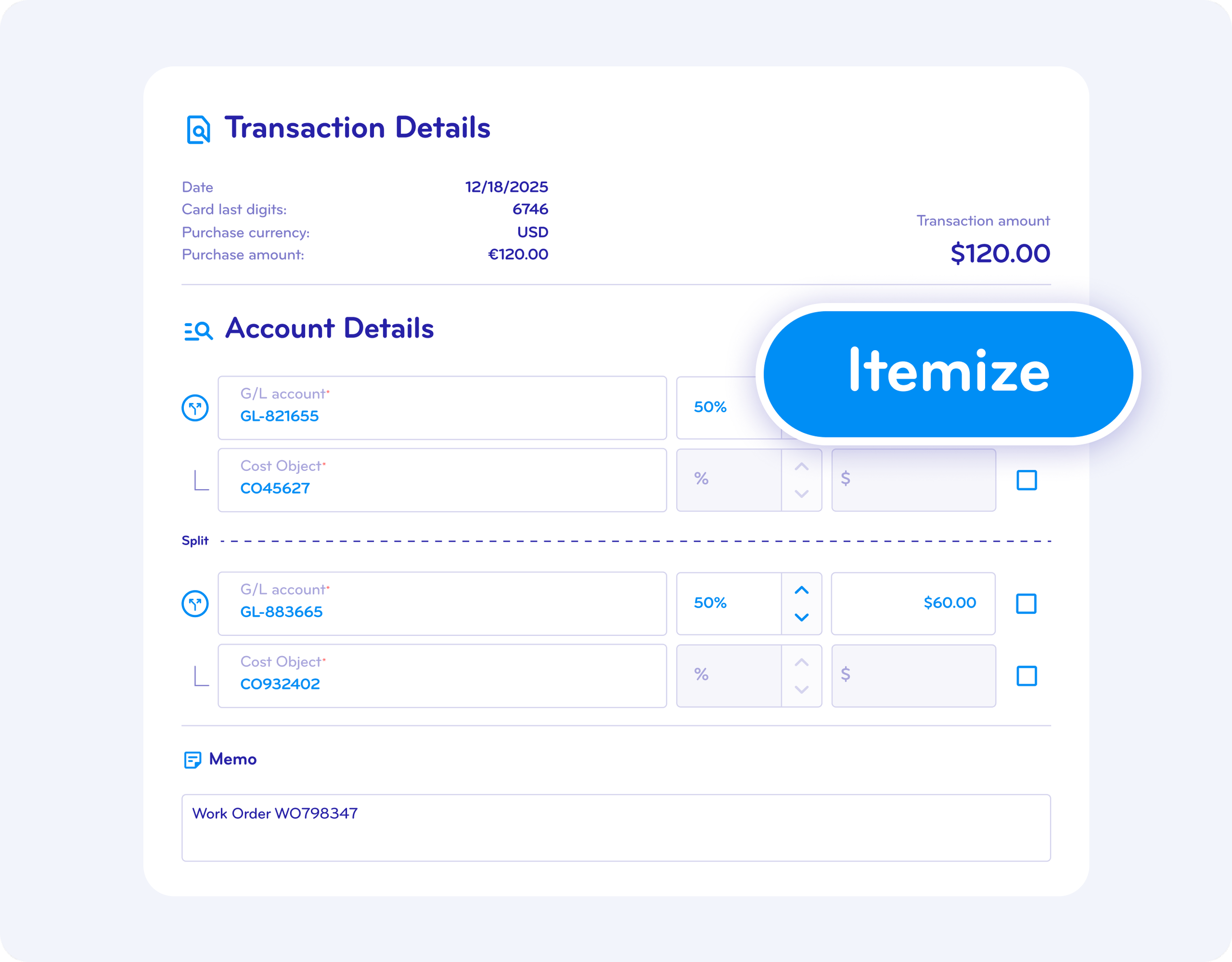
Employees and accountants can split a single charge across multiple accounts, cost objects, or customers with just a few clicks.
Flexible itemization supports:
Multi-account and multi–cost-object splits
Amount based allocation
Marking any line as billable to customers
Clear visibility for reviewers and accountants
Accuracy without the spreadsheet.
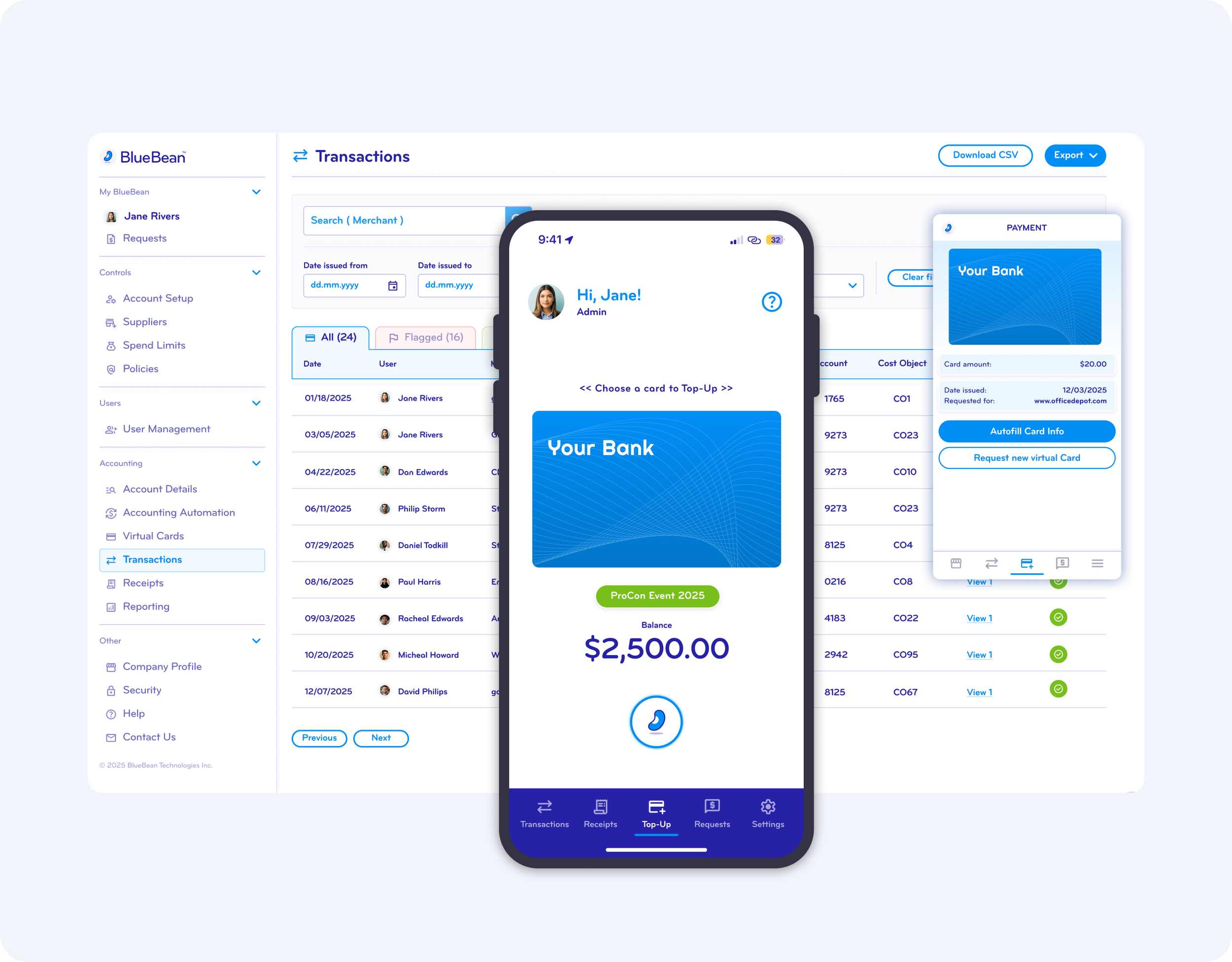
Track and Approve Expenses Anywhere
Whether your team is at the office, on the road, or checking out online, BlueBean keeps every transaction instantly accessible.
Available on:
Web App
Chrome Extension
Mobile App
Approve, correct, or complete expenses from any device. Workflows don’t wait for desktop.

Ensure Every Transaction Ends with a Completed Expense
With BlueBean, no transaction is left incomplete.
Receipts are attached, rules are applied, splits are itemized, and approvals are captured—every single time.
BlueBean guarantees:
Every purchase becomes a fully completed expense
Every policy is enforced
Every approval is auditable
Every line syncs cleanly into your accounting system
Better compliance. Faster close. Zero loose ends.
FAQ
-
BlueBean tracks expenses the moment a transaction happens, automatically applying your accounting rules, cost centers, and categories.
There is no need for employees to create expense reports — every purchase is logged, enriched, and classified instantly. -
BlueBean uses your company’s accounting rules to apply the correct:
general ledger account
cost center
object or project
tax rules
category
This classification happens in real time and follows the same logic finance would apply manually — but without human effort.
-
Yes.
BlueBean automatically flags anomalies, including:unexpected merchant behavior
out-of-pattern spend
incorrect amounts
duplicate charges
classification mismatches
These alerts surface issues early, reducing accounting effort and improving compliance.
-
Yes.
When a purchase needs to be itemized (for example, when part of the spend is billable or must be allocated differently), employees can quickly break it into items.
BlueBean then applies accounting rules to each item — ensuring precise allocation. -
Yes.
Employees and managers can manage expenses in the office or on the go, with full access to transactions and receipts.
This ensures expenses stay up to date in real time. -
Yes.
BlueBean’s philosophy is “expense completed for every transaction” — meaning:the transaction is captured
the receipt is attached
accounting rules are applied
anomalies are flagged
the item is ready for ledger posting
There is no backlog, no month-end scramble, and no dependency on employees submitting manual reports.
-
Because expenses are fully enriched at the moment of purchase, accounting teams no longer need to:
recode transactions
chase missing receipts
investigate misclassified expenses
wait for manual submissions
correct errors weeks later
This reduces operational workload and accelerates month-end closing.
-
Yes.
All enriched transactions appear instantly in the Expense Dashboard, giving finance teams granular visibility into:who is spending
what they are spending on
the correct accounting classification
anomalies that require review
No delays, no blind spots, no reconciliation surprises.
Start Automating Your Expense Tracking Today
Give your team the smartest, fastest way to handle expenses—from tap to books.