

Empower Management with Real-Time Control, Confidence, and Time Savings
BlueBean gives management teams instant visibility, proactive control, and automated workflows that keep budgets safe—while accelerating their business.
Why Management Teams Choose BlueBean
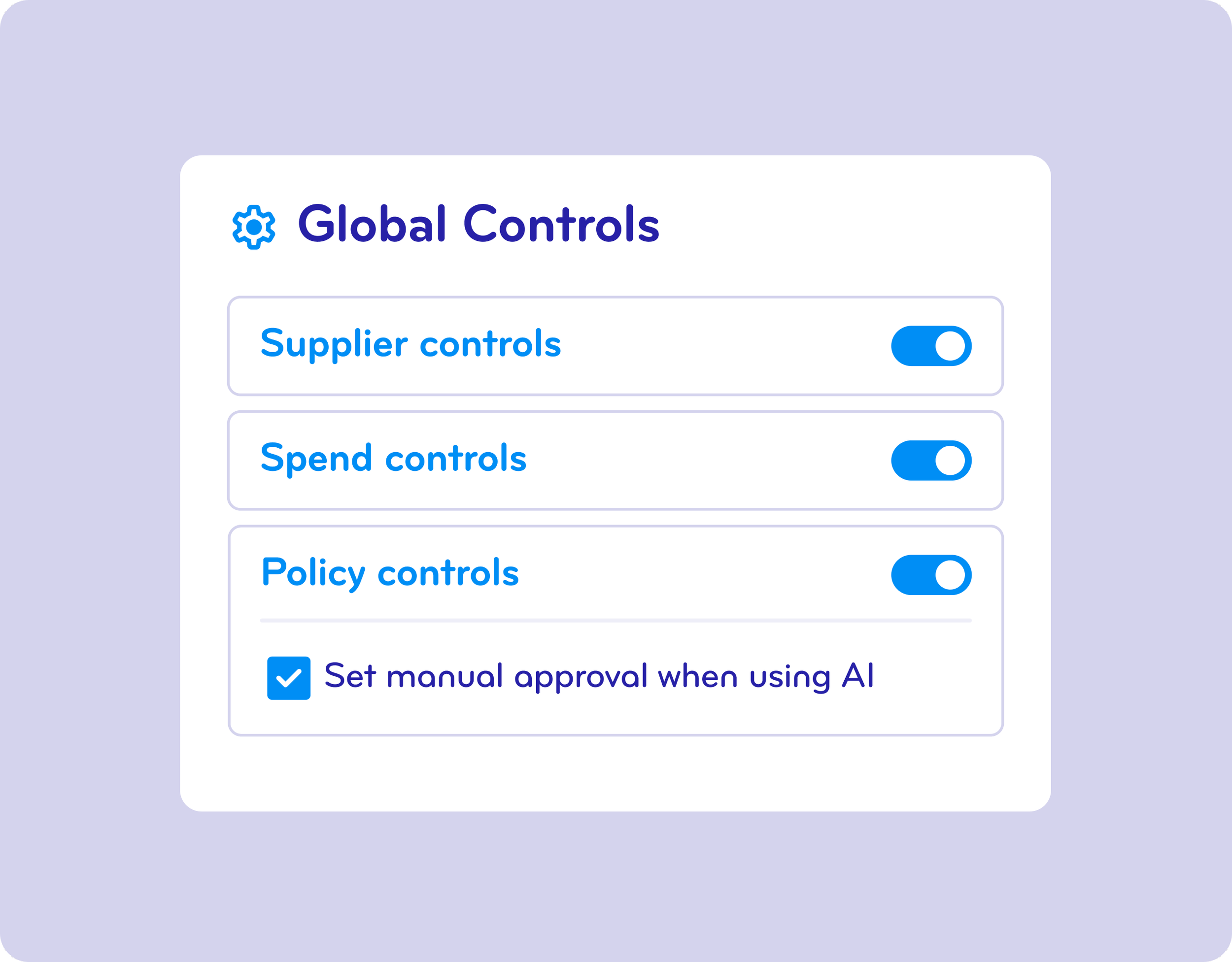
Auto-Controls
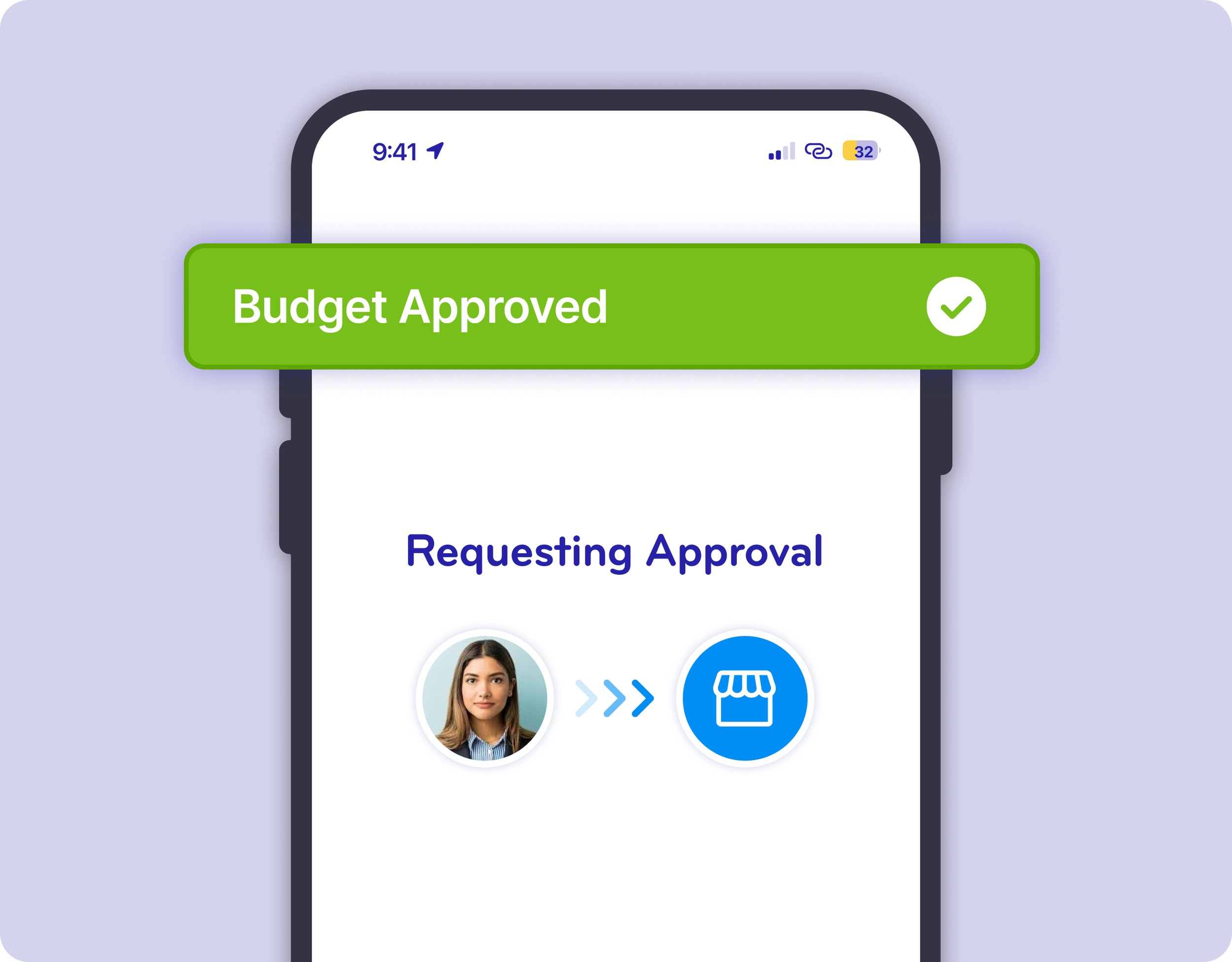
Time-Saving Approvals
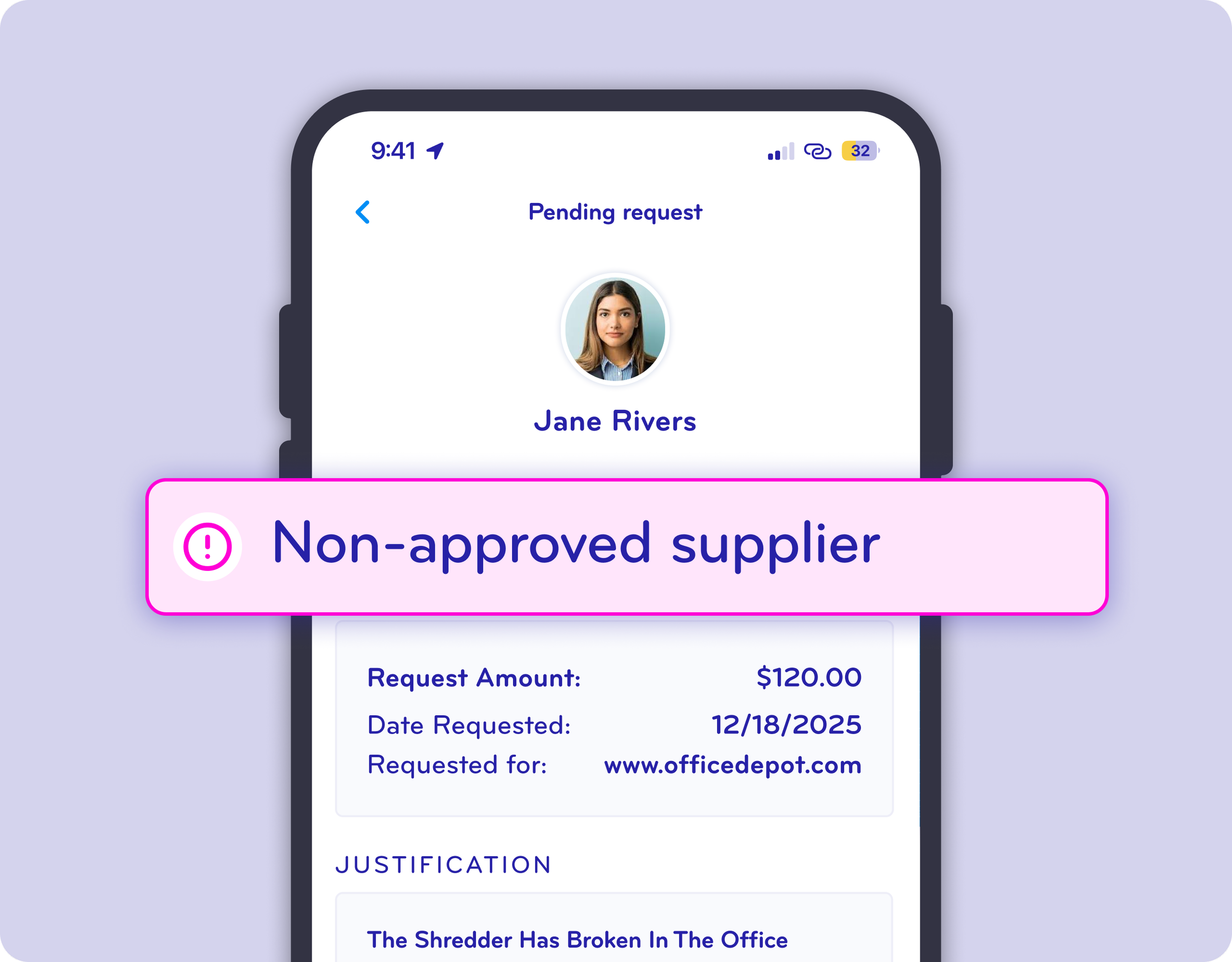
Compliance Enforcement
Real-Time Budget Protection—Without Lifting a Finger
BlueBean automatically enforces your company’s spending rules. Every purchase request must meet your predefined controls before a virtual card is issued. This ensures your budgets stay protected, compliant, and predictable.
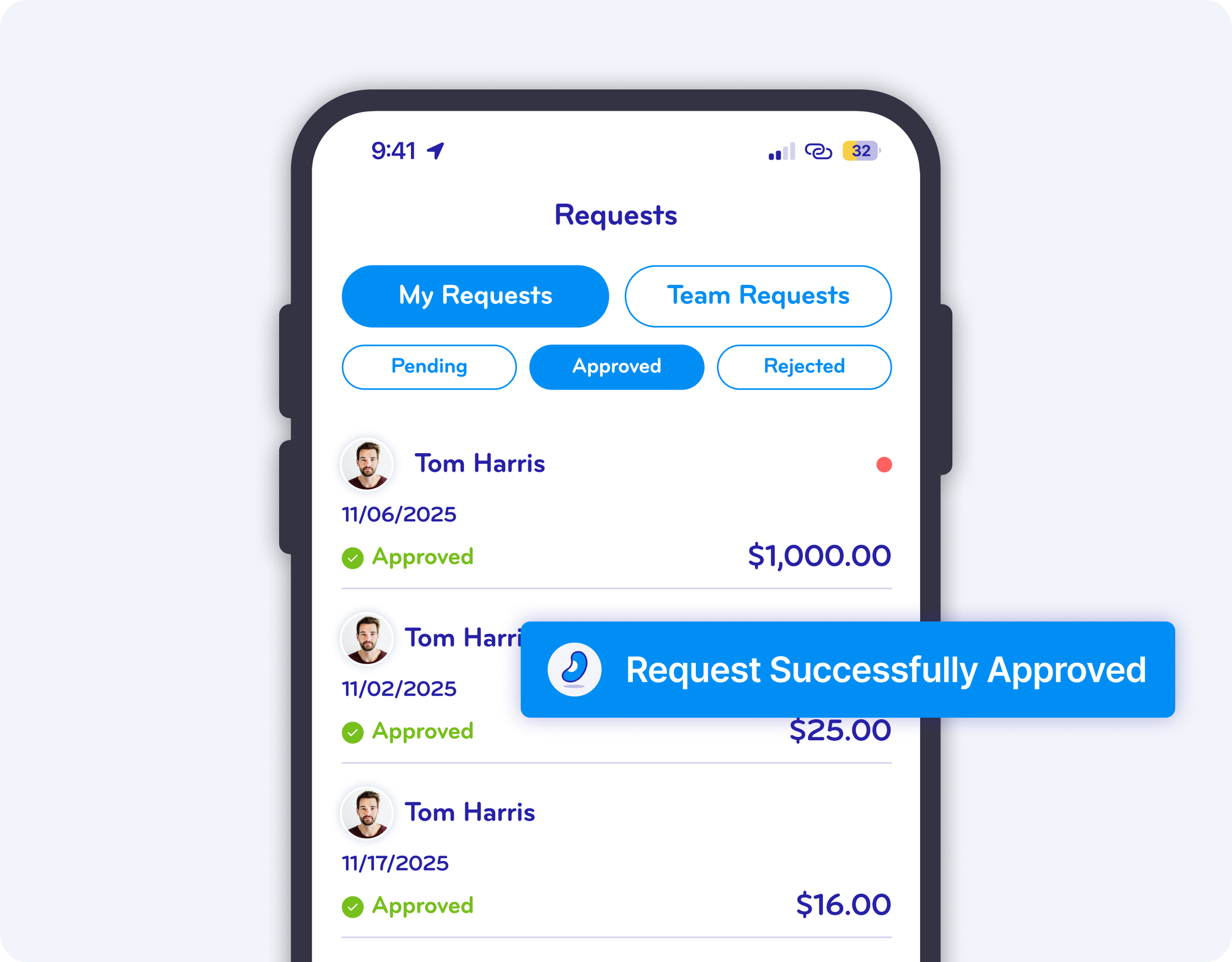
Immediate Approvals That Free Up Your Time
No more chasing down small decisions. BlueBean auto-approves compliant transactions so managers spend less time reviewing and more time leading. When a request does need your attention, it’s designed to take seconds - not minutes.
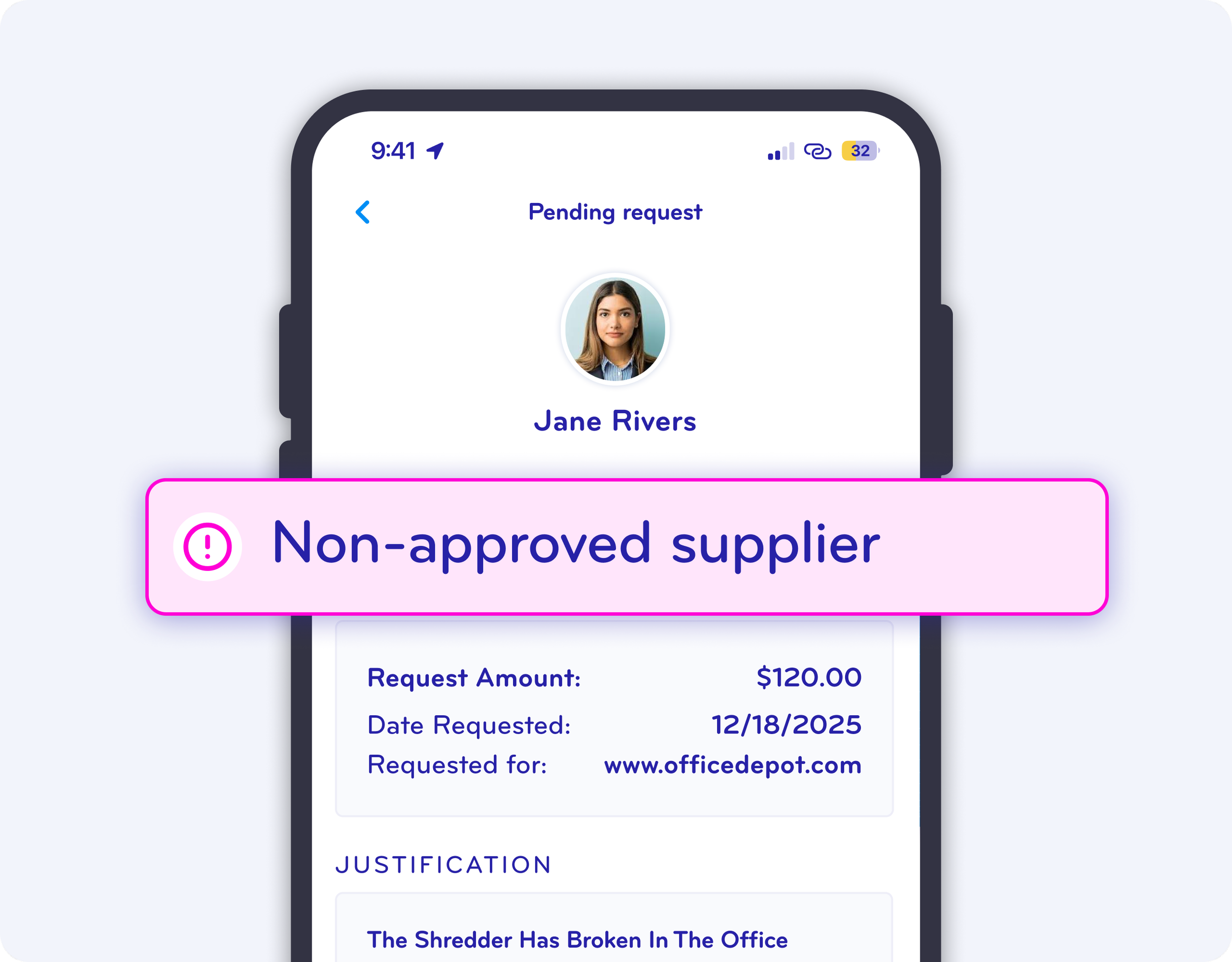
Intervene Before Non‑Compliant Spending Happens
With BlueBean, managers can stop a problematic purchase before it occurs. You’re alerted the moment a request falls outside policy, giving you the chance to take action early—protecting your department and your credibility.
One‑Click Decisions with Full Context
Approving or rejecting a request is effortless. Review the details, leave a quick note, and resolve it in a single click. The process is fast, intuitive, and designed to keep teams moving.
Live Spend Tracking and Budget Insights
BlueBean shows managers exactly how much their teams are spending in real time. You know instantly if you’re pacing well against your budget—and can act quickly if something needs attention. No spreadsheets, no delays, no surprises.
Empowering Your Team While Freeing Yourself
With BlueBean automating compliance, approvals, and reporting, managers gain hours back every week—while empowering their teams to operate confidently and independently.
When your team moves faster, you get to focus on leading, planning, and achieving more.
Ready to Give Your Management Team Total Control and Total Freedom?
See how BlueBean streamlines management oversight while accelerating team productivity.
Experience real-time spend control and automation—no setup costs, no delays.