

Finance & Accounting Teams: Automate Spend, Eliminate Manual Work, and Close the Books Faster
Finance and Accounting leaders are under pressure to enforce controls, maintain accuracy, and keep the business moving—without drowning in spreadsheets, paper receipts, or endless invoice processing.
BlueBean brings automation to Expense Management, Procure-to-Pay, and Tail Spend, giving finance teams real-time visibility and fully compliant transactions from the moment money is spent.
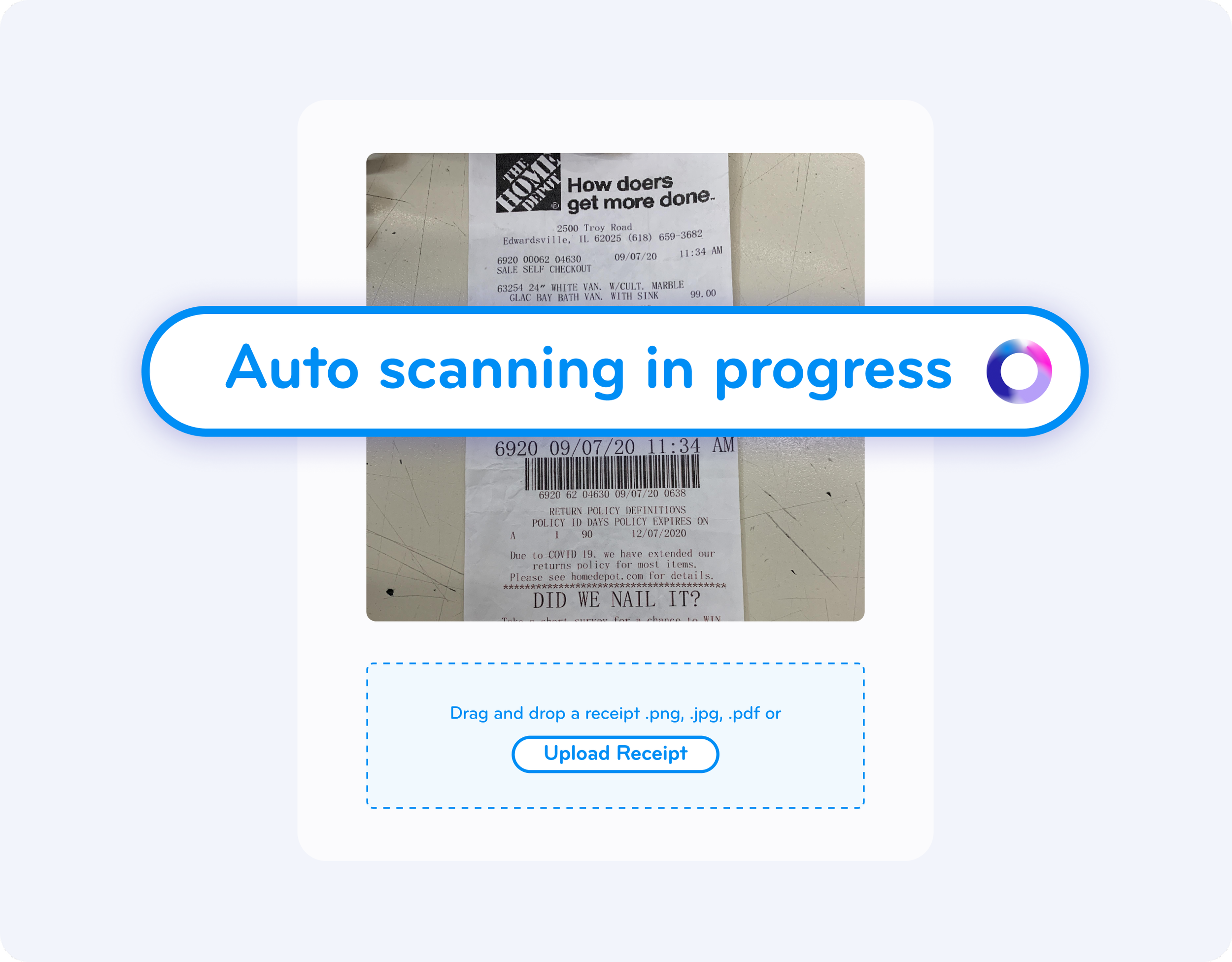
Finally—No More Manual Processes
Traditional finance workflows rely on chasing receipts, reconciling spreadsheets, approving spend twice, and keying invoices by hand. BlueBean replaces all of that with instant, automated, audit-ready digital data.
With BlueBean you eliminate:
❌ Manual spreadsheets
❌ Paper receipts and small invoices
❌ Double approvals
❌ Manual data entry into your accounting system
❌ Endless chasing and follow-ups
And you gain a seamless, automated flow of spend data that closes the books faster—every month.

Automated, Pre-Approved Spending That Hits the Books Cleanly
BlueBean lets teams set rules and controls in advance. Once activated, every purchase made with a BlueBean virtual card automatically follows those rules—no human intervention required.
How it Works:
Pre-approved virtual cards ensure spend is compliant before money leaves the company.
Once a purchase is made, the transaction is instantly tagged, coded, and categorized.
The transaction flows into your accounting system fully prepared—no second approval needed.
This means finance teams spend less time approving, reviewing, and correcting data—and more time on strategic work.

Receipts, Invoices, and Justification—Captured Automatically
BlueBean captures every supporting document automatically the moment a purchase happens.
Automatic documentation includes:
Real-time capture of receipts and invoices, both online and at point-of-sale.
Automatic sync with accounting systems.
Rules-based requirements for notes, GL codes, cost centers, project tags, and more.
Everything is collected instantly—before an employee forgets, and before Finance has to chase them.
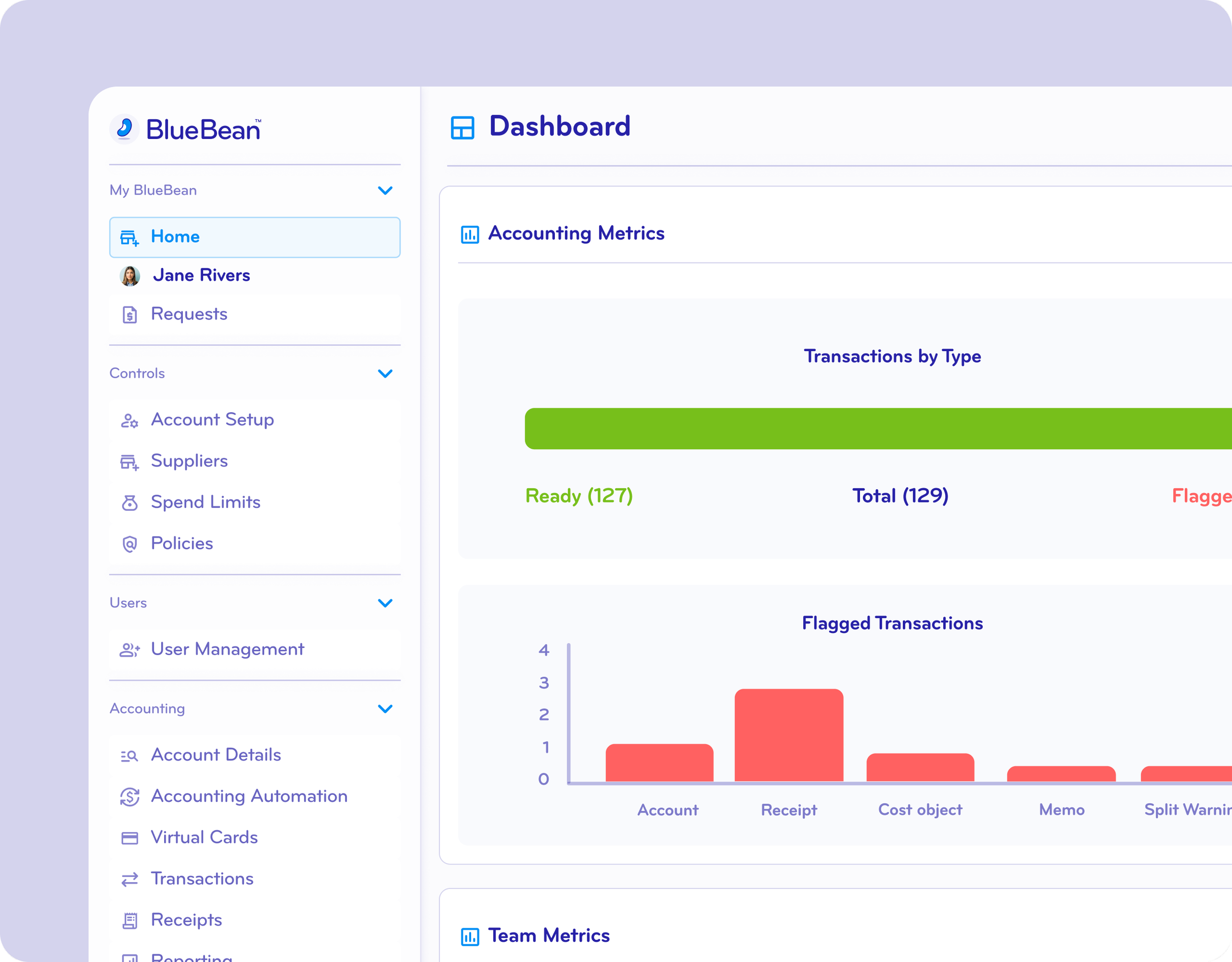
Spending Reports Generated Automatically
Using transaction data + captured documentation, BlueBean automatically produces audit-ready spending reports.
No more building reports manually
No more asking departments for updates
No more missing information
Finance teams get complete, real-time visibility—ready for close, audit, or analysis.
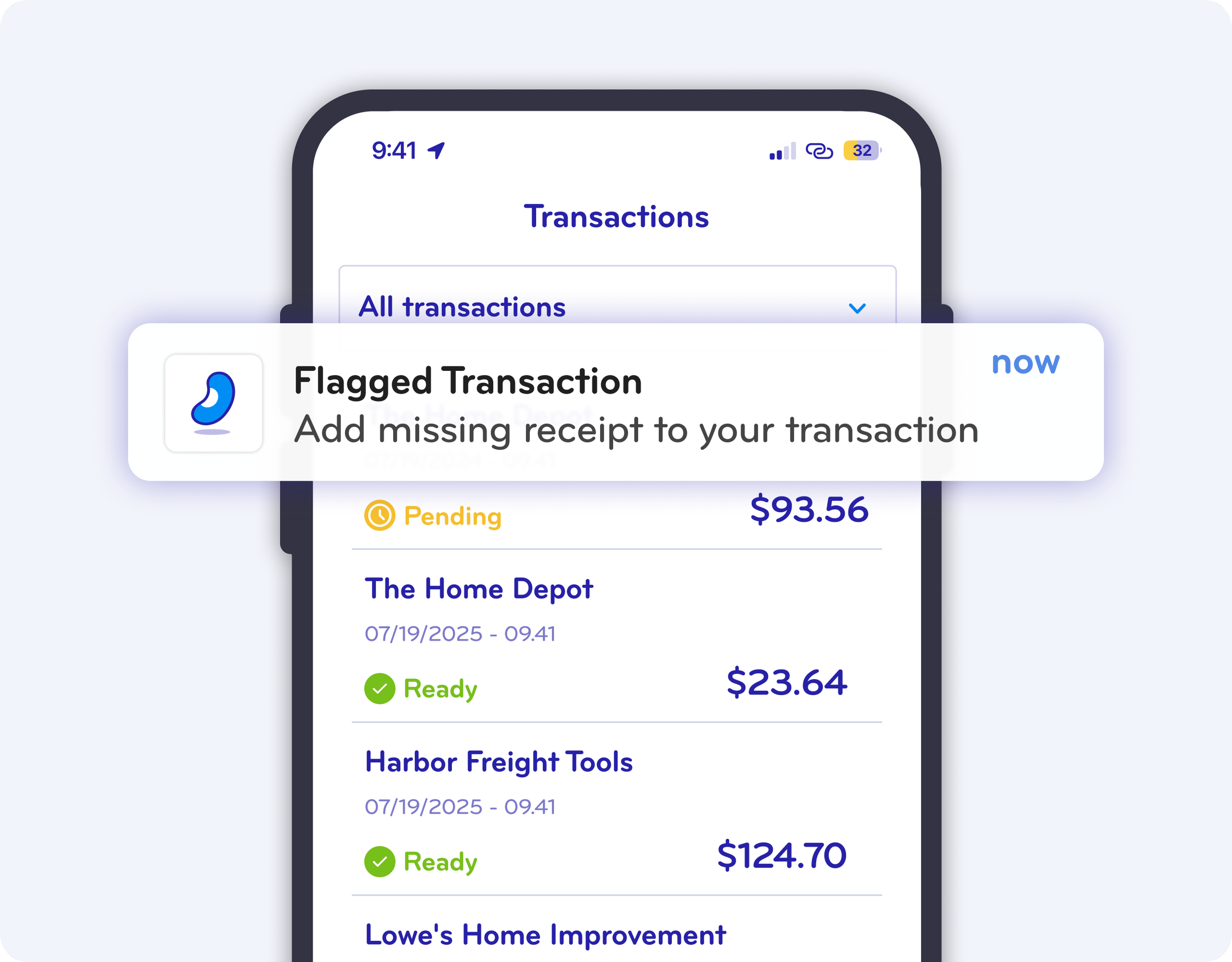
Smart Flags and Automated Follow-Up
BlueBean automatically identifies missing receipts, incorrect coding, or policy deviations.
Flags fire instantly
Employees are automatically notified
Corrections happen without manual Finance intervention
Your team stays in control without becoming the “spend police.”
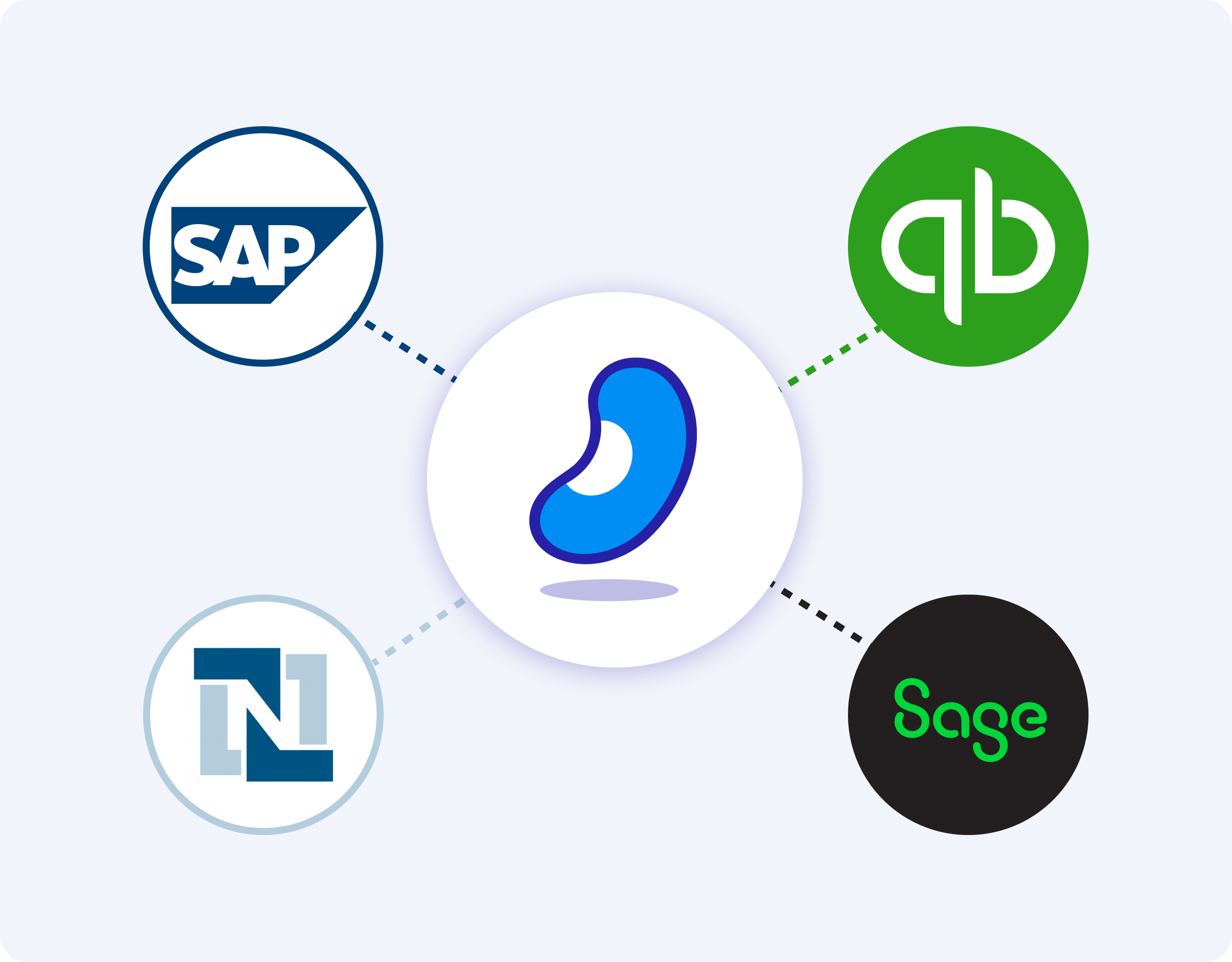
Seamless Integration with Your Accounting System
BlueBean connects directly to your accounting software so that clean, enriched, fully coded data flows in automatically.
This means:
No manual data entry
No error-prone reconciliation
A dramatically faster month-end close
Consistent, controlled financial records
BlueBean supports integrations for small and mid-size companies as well as high-growth finance teams.
What BlueBean Delivers for Finance & Accounting
Expense Management
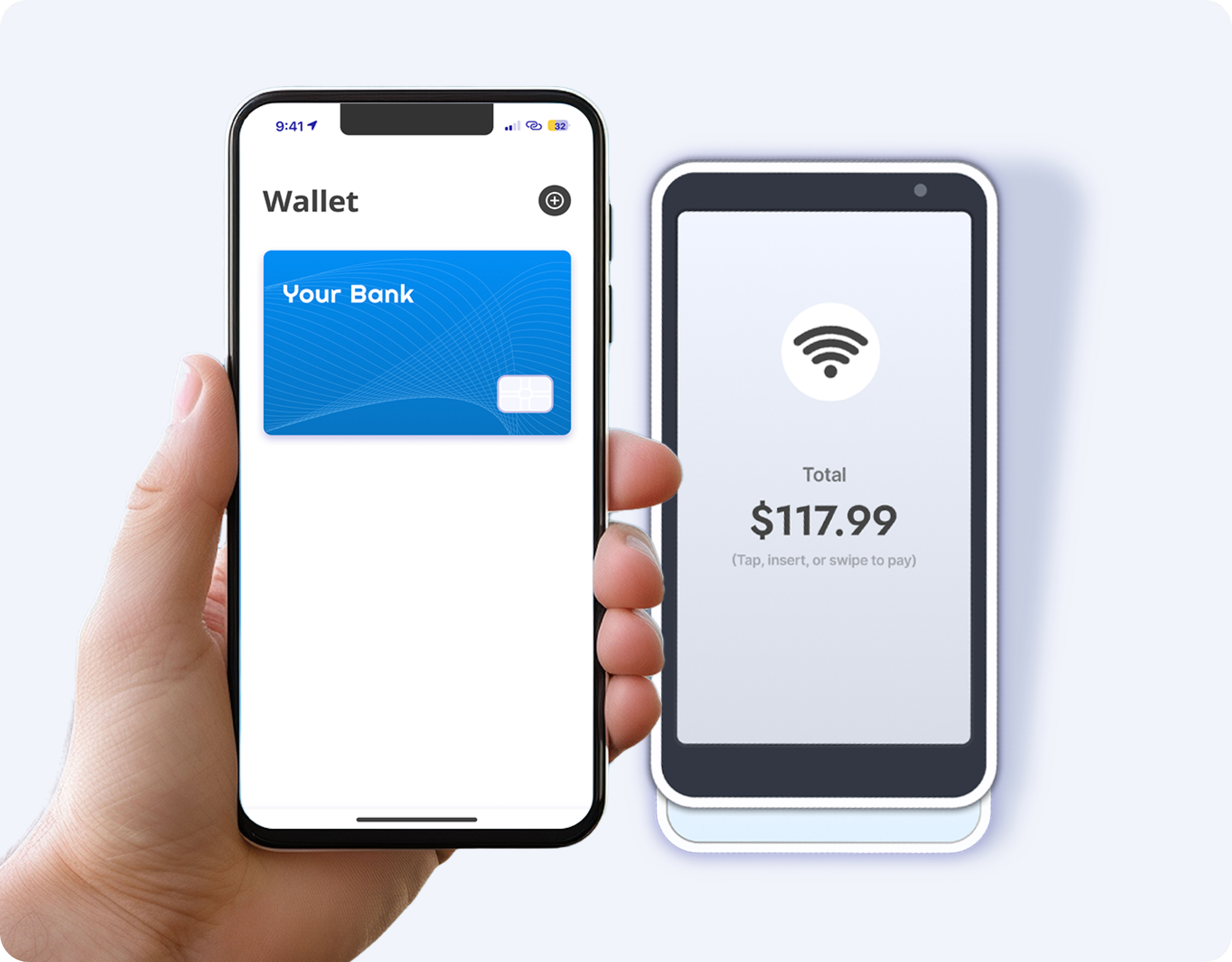
Tap-to-pay virtual cards through employees’ digital wallets
Instant receipt capture
Policy-based pre-spend controls
Automated expense reporting (zero manual work)
Tail Spend
A single platform to eliminate vendor sprawl
Controlled ad-hoc purchases without adding suppliers
Digital payments (via American Express virtual cards)
Automated coding, documentation, and reporting
Procure-to-Pay
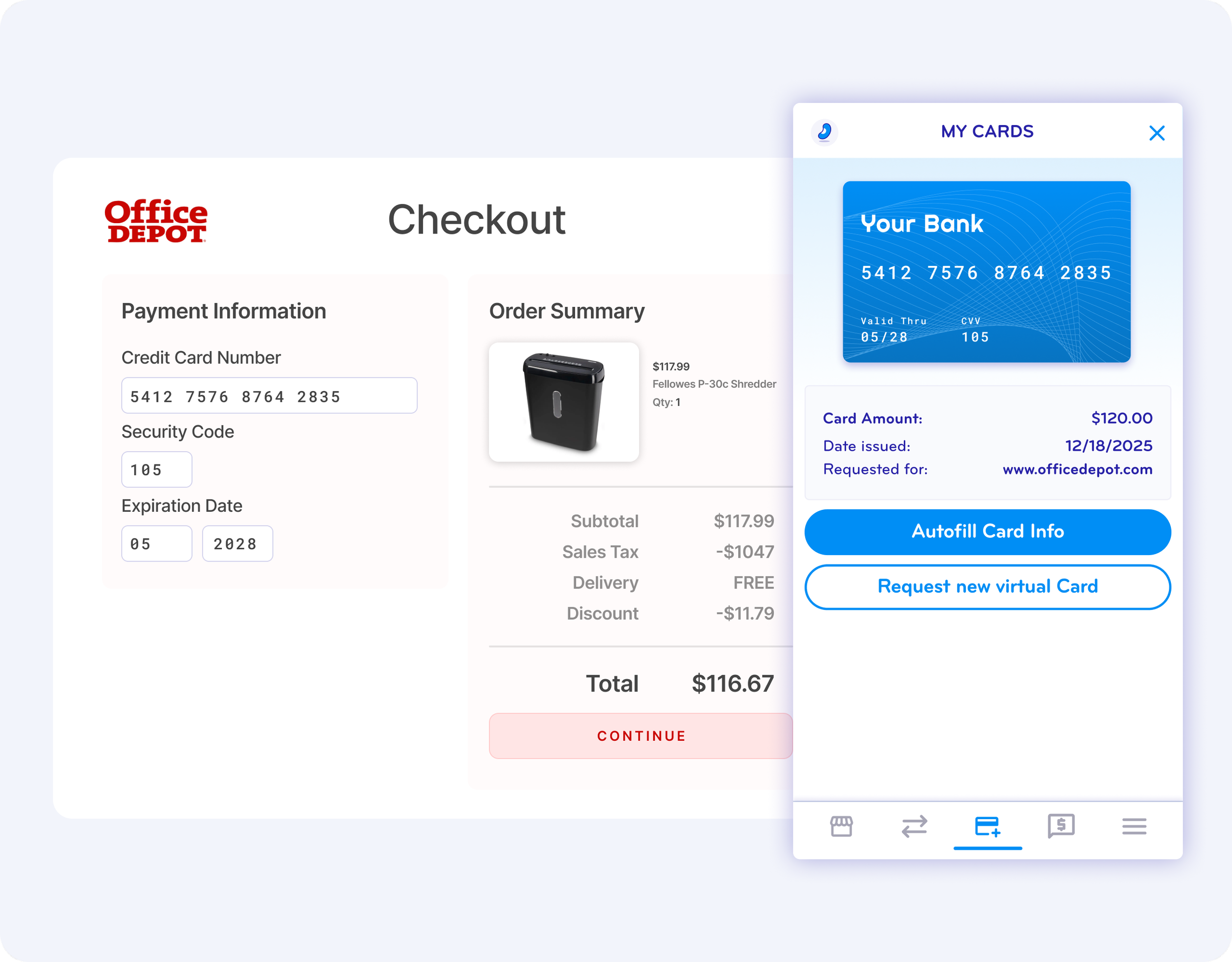
Browser-extension-based purchasing
Virtual cards issued only after requests are approved
No more small invoices to process manually
Automated data capture and accounting sync

Transform Finance Operations with BlueBean
When Finance teams automate spend at the source, the entire company operates more efficiently.
No more chasing. No more errors. No more manual admin.
Just clean data, real-time visibility, and effortless control.
Ready to Eliminate Manual Finance Work?
See how BlueBean automates your end-to-end spend process.
Try BlueBean with your team and experience instant time savings.