
Paperless Expense Documentation for Every Business Purchase — Automatically
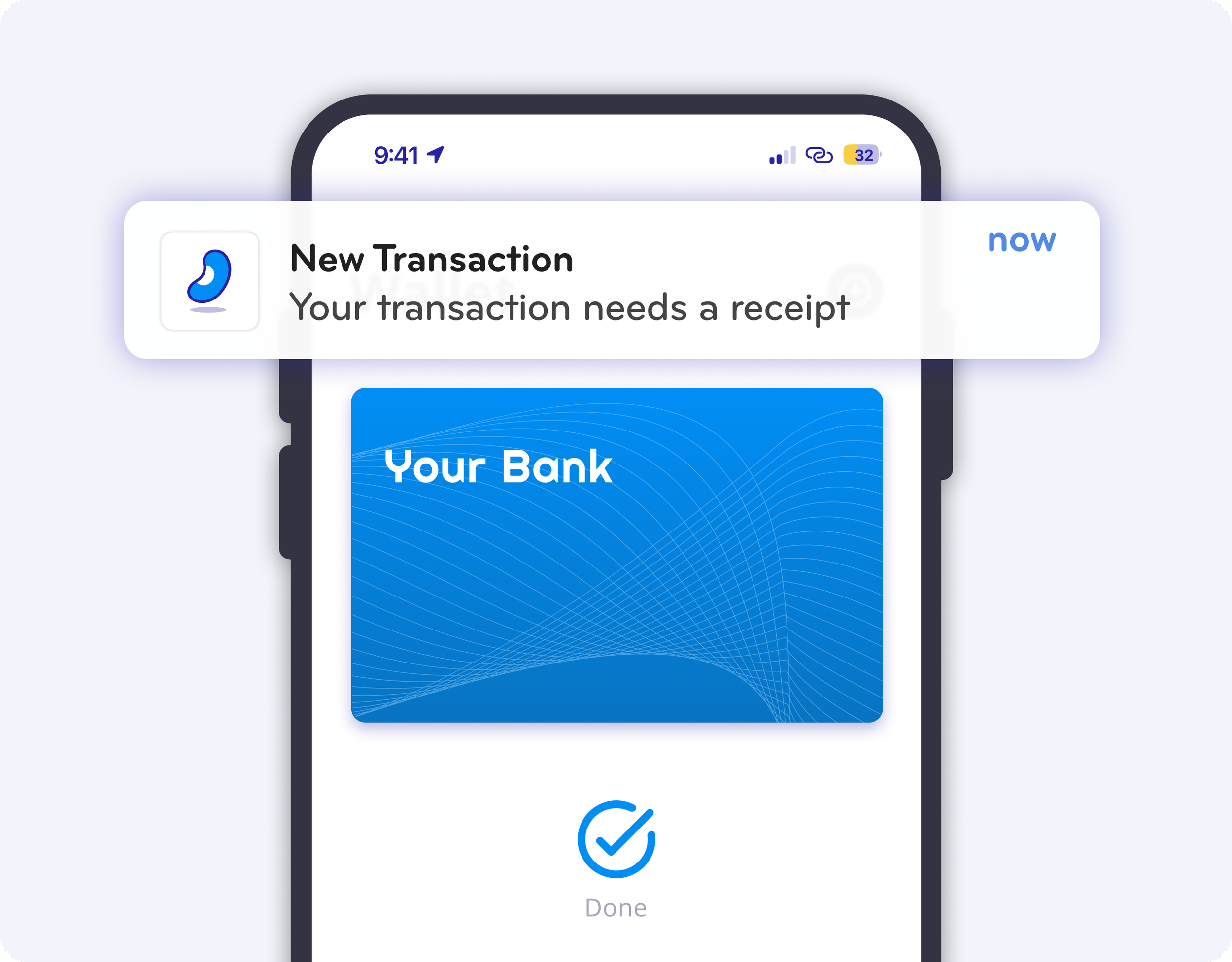
Get Notified Instantly at the Point of Purchase
Users receive a real-time push notification the moment a purchase happens with their virtual card. No delays. No missing receipts.
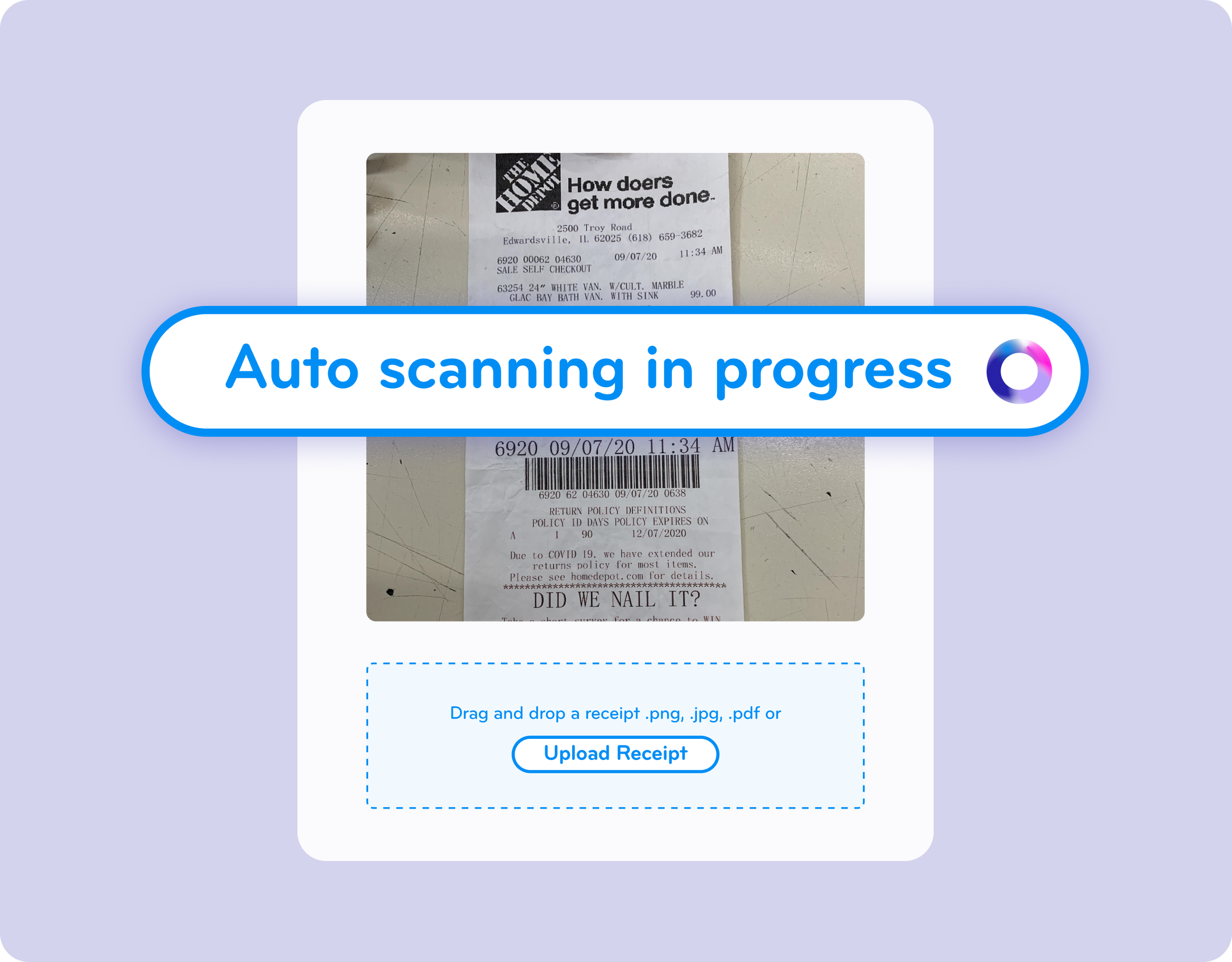
Snap and Capture Receipts in Seconds
With one tap, users open the notification and snap a photo of the receipt. BlueBean automatically attaches it to the correct transaction—eliminating mismatches while allowing quick notes or details.
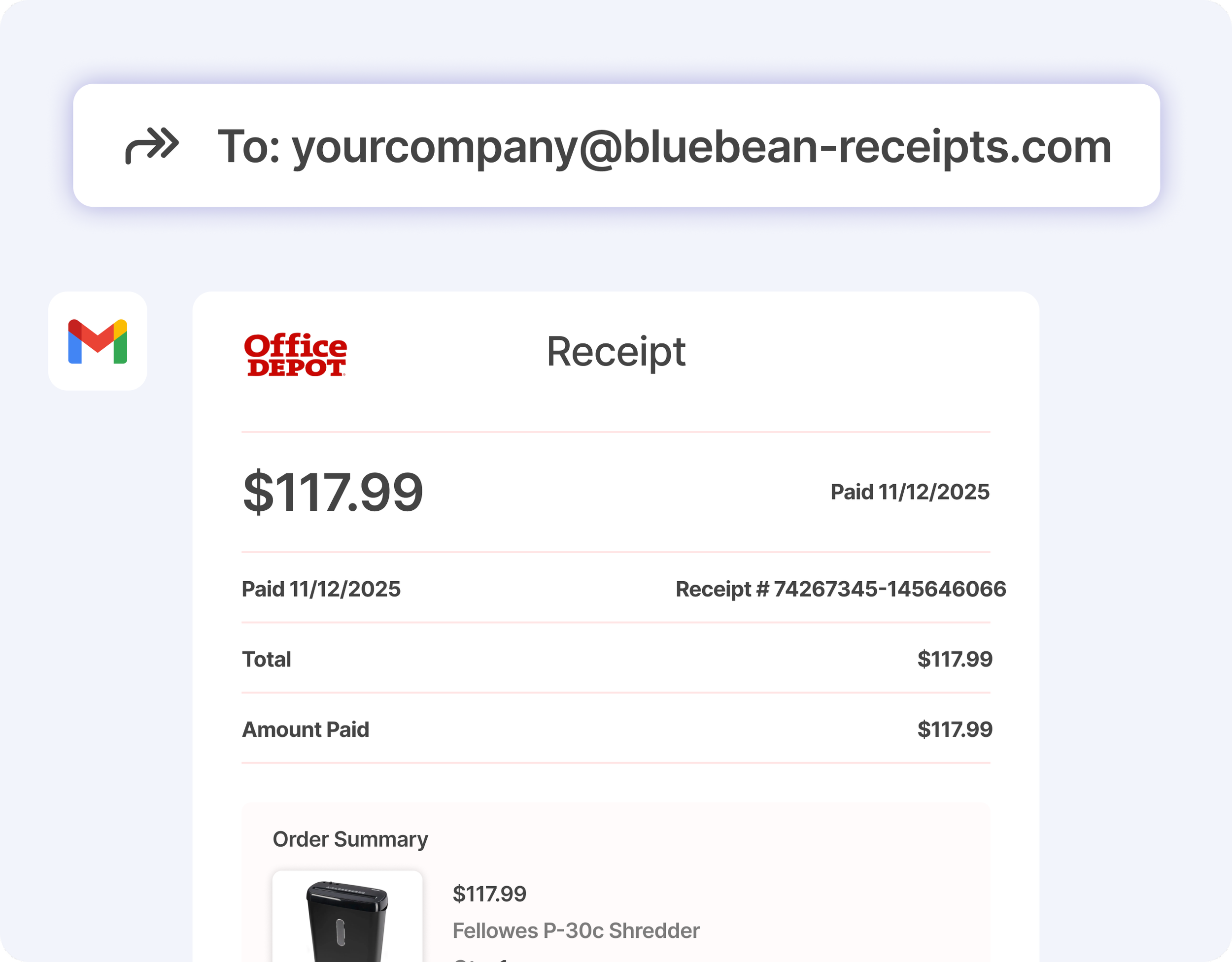
Forward Email Receipts Directly to Your AI Expense Agent
Users can forward email receipts directly to the BlueBean Receipt Agent. The AI extracts the details and matches them to the right transaction. Any uncertainty is flagged for review.
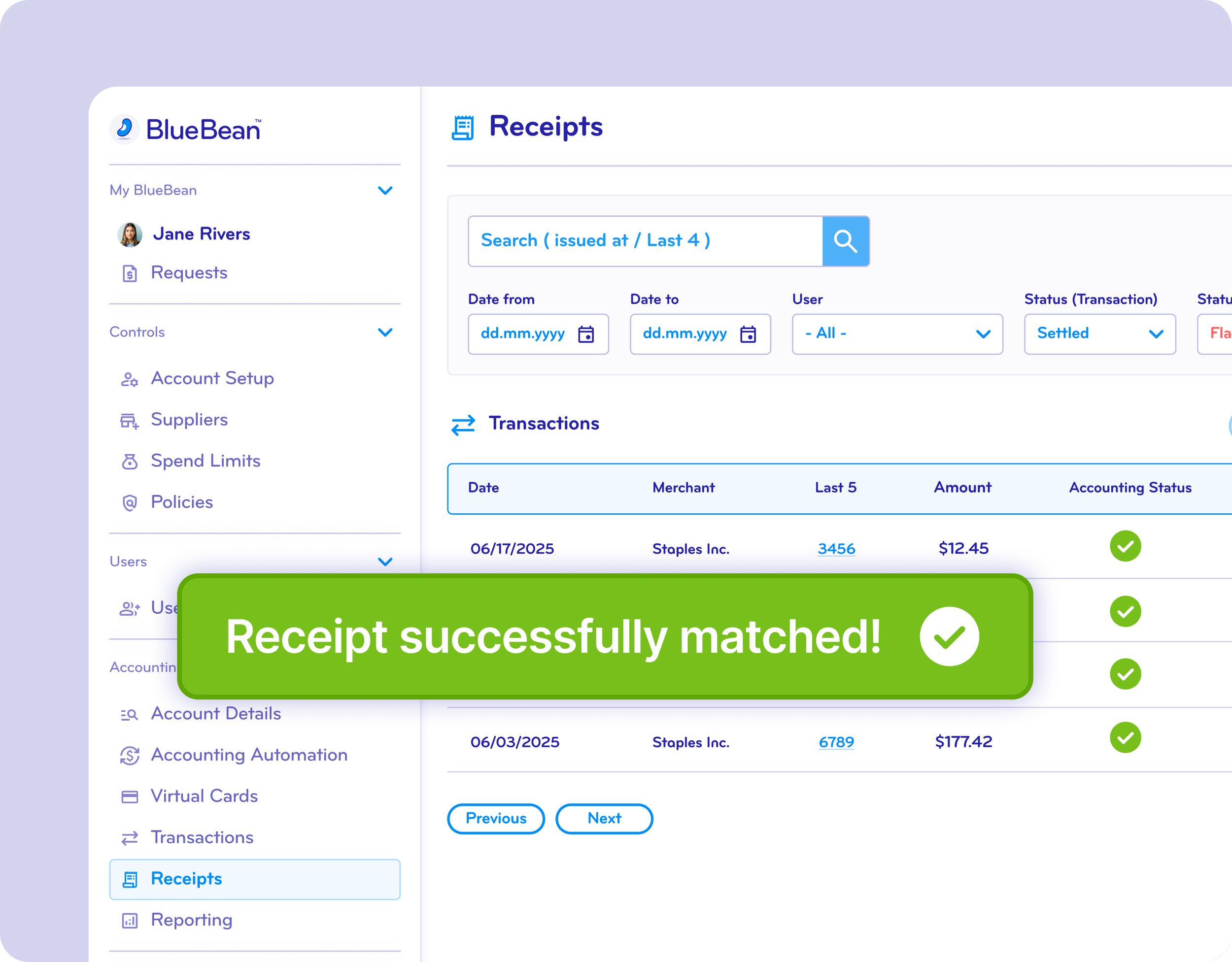
Automatically Match Every Receipt to the Correct Transaction
BlueBean’s AI ensures that every receipt is paired with the right payment, reducing manual work, exceptions, and back-and-forth with employees.
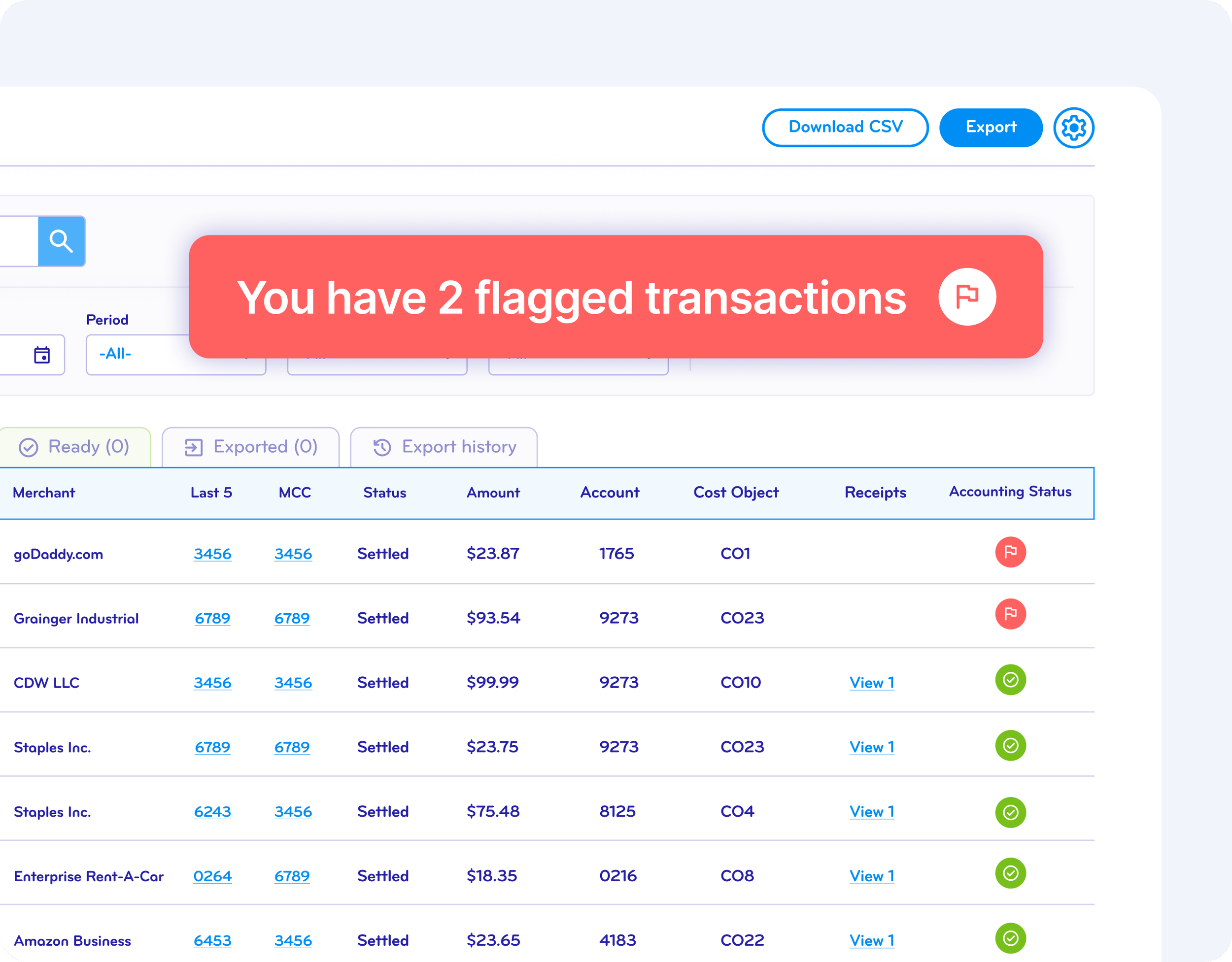
Ensure Every Transaction Has a Verified Receipt
Admins define when receipts are required. BlueBean enforces the rules automatically:
Missing receipts are flagged and visible to approvers
Users are reminded until the receipt is attached
Optional controls can block new requests or virtual card usage until compliance is restored
FAQ
-
BlueBean captures receipts at the moment of purchase, so every transaction is documented.
Whether employees pay online or in-store with virtual cards, BlueBean prompts them immediately to provide a receipt, eliminating missing or late documentation. -
For in-store tap-to-pay purchases using virtual cards in a mobile wallet, BlueBean sends a real-time notification right after the transaction.
Employees can:Snap a photo of the receipt
Upload an existing photo
BlueBean automatically matches that receipt to the correct transaction.
-
When an online purchase is made with a BlueBean virtual card, the browser extension:
Detects the order or payment confirmation
Captures or attaches the receipt when available
Links it directly to the corresponding transaction
Employees do not need to dig through email or manually upload confirmations later.
-
Employees can simply forward email receipts to BlueBean’s AI-powered receipt inbox.
BlueBean then:Reads the email
Extracts the relevant receipt
Matches it to the right transaction
Enriches the expense with useful details
No manual pairing or classification required.
-
BlueBean sends smart reminders tied to specific transactions.
Employees always know which purchase still needs a receipt, and finance no longer has to chase people down manually. -
BlueBean uses transaction data—like merchant, amount, date, and context—to automatically attach each receipt to the right purchase.
This ensures clean, audit-ready documentation and reduces review time for accounting teams. -
Because receipts are:
Prompted in real time
Captured through notifications, the browser extension, and email forwardingAutomatically matched to transactions
…accounting teams avoid:
Chasing employees for missing receipts
Manually pairing card charges with documents
Resolving exceptions weeks after the fact
Receipt compliance becomes automatic, and month-end close becomes much smoother.