

Click to Pay — The Checkout Experience for Business Reinvented
Give employees a fast, consumer-style checkout while finance gets AI-driven controls, secure virtual cards, and automatic accounting — all in one click.
Shop directly on approved supplier sites
AI controls before every checkout
Instant, secure virtual cards
Automatic invoice capture & accounting sync

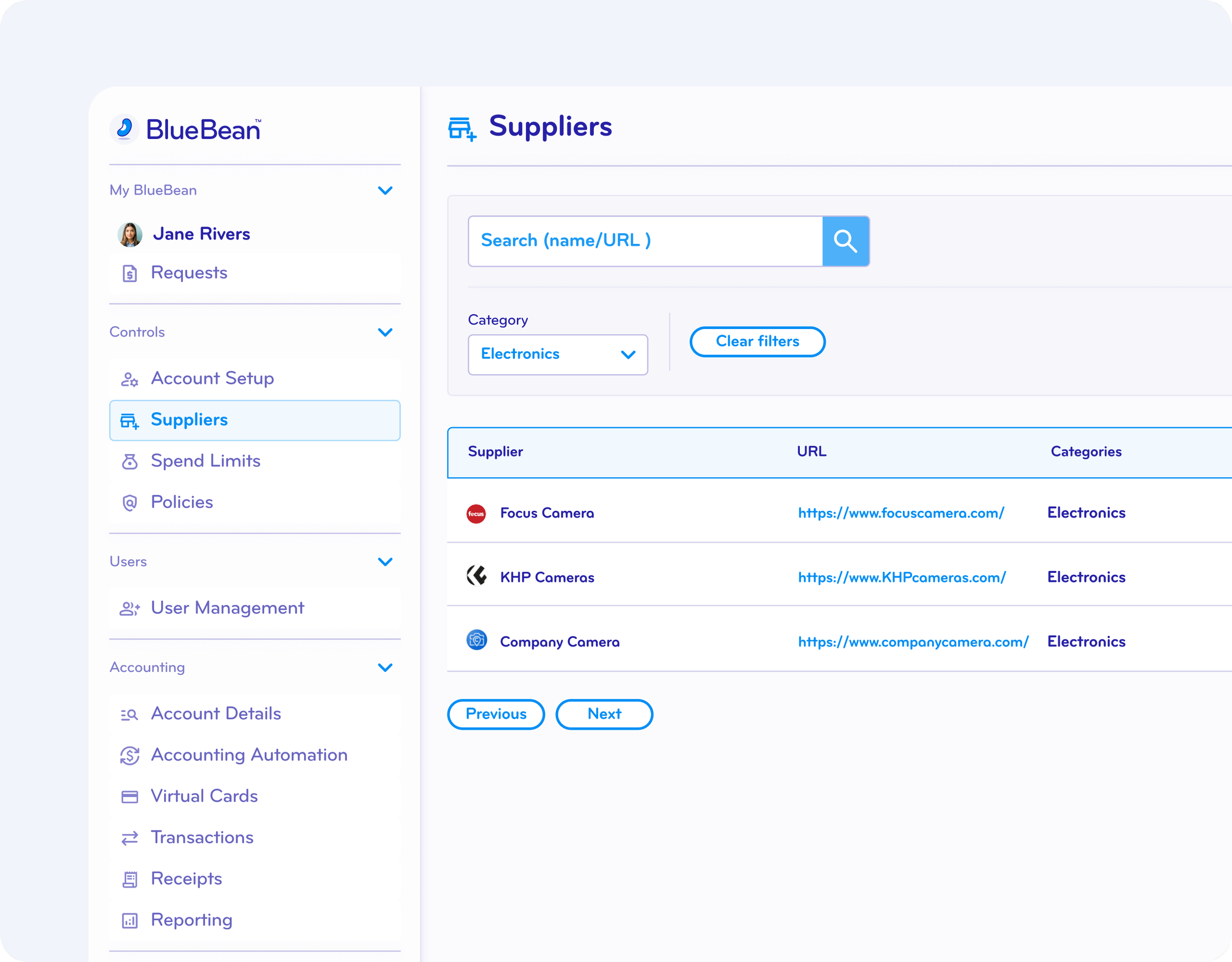
Simplified Access to Preferred and Negotiated Suppliers
BlueBean makes supplier access effortless. Just add supplier URLs — no portals, no integrations, no onboarding.
Employees can browse and buy through the BlueBean extension instantly.
If negotiated pricing is required, employees simply log in to supplier websites via SSO to view contracted rates.
A Consumer-Native Experience for Every Employee
Employees shop the same way they do at home: same sites, same UX, same checkout flow.
Real-time product availability and pricing are naturally surfaced, eliminating the inevitable manual confirmations with outdated static catalogs and punchouts from traditional procurement.
AI-Driven Controls at Every Checkout
Before any card is issued, BlueBean performs instant AI checks:




Approvers only step in for exceptions — everything else is automated in one click.
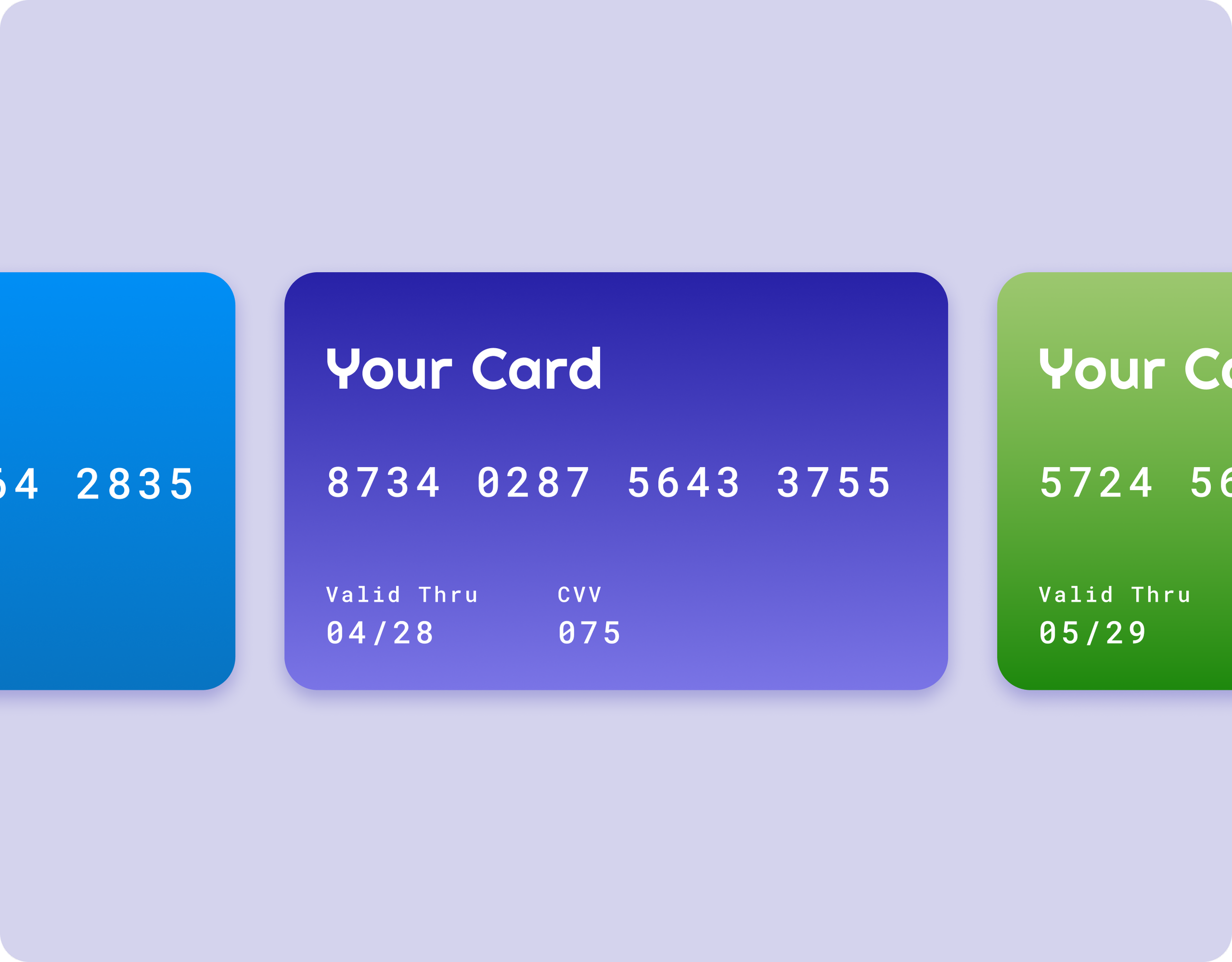
Secure, On-Demand Virtual Cards for Every Purchase
Every purchase gets its own virtual card with a unique PAN — for one-time payments, subscriptions, or cards-on-file.
One card per transaction or vendor
Built-in spend controls
Time-bound or recurring limits
Safer than shared corporate cards
Cards with easy to set up financial controls >
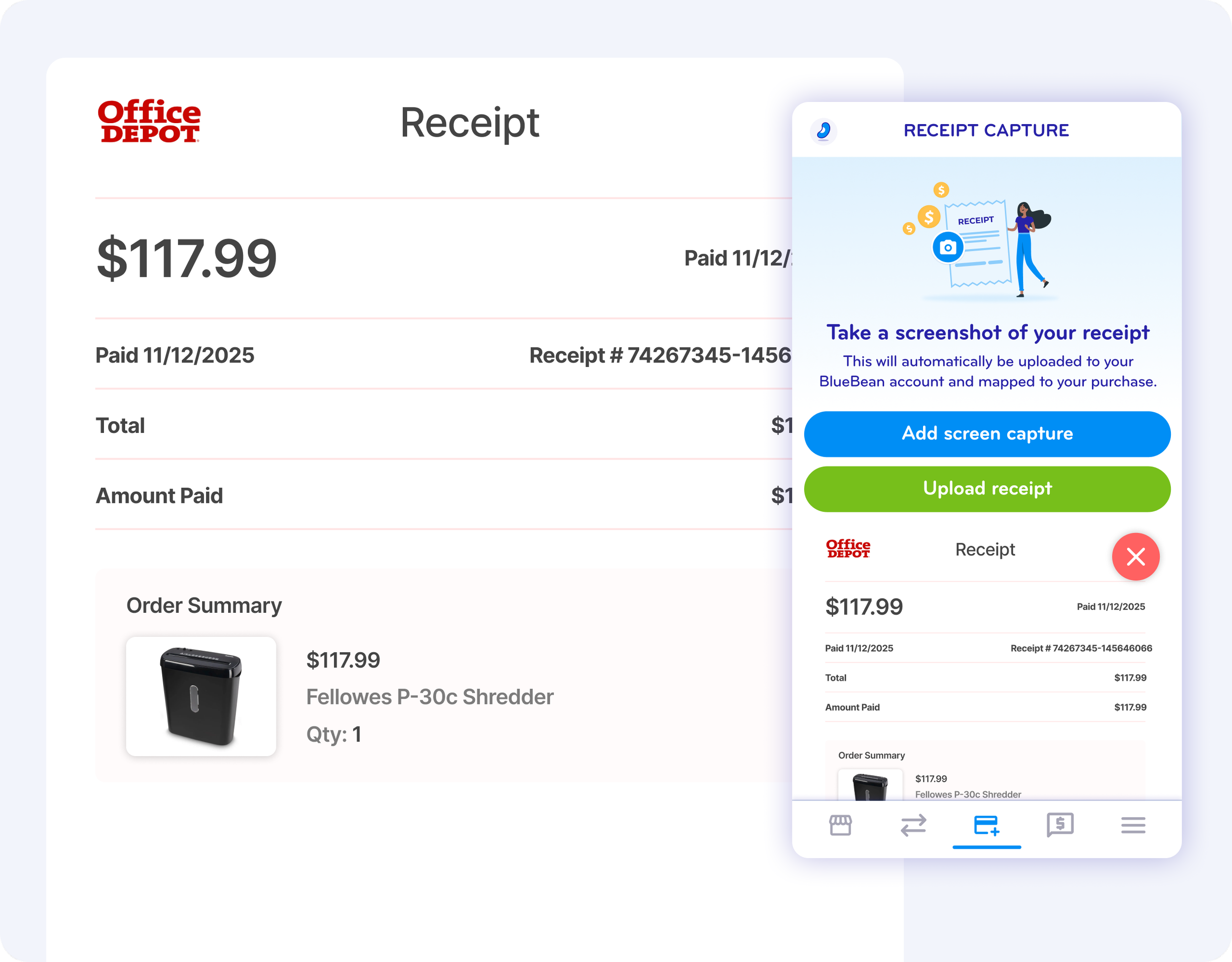
Automatic Receipt Capture, Matching & Accounting Sync
BlueBean captures key data at authorization enabling GL account and cost object classification.
It then prompts employees for invoices or receipts, matches them automatically, and syncs everything to your accounting system at settlement.
Clean data. Complete documentation. Faster month-end.

Step 1
Authorization

Step 2
Receipt & Data
Step 3
Matching & Review
Step 4
Accounting Sync
What is Click-to-Pay for business online purchases?
Click-to-Pay for business is an embedded finance checkout experience that allows employees to complete online purchases using secure, AI-controlled virtual cards — without portals, catalogs, or invoice workflows.
With BlueBean, financial controls, budgets, supplier policies, and approval logic are enforced directly at the moment of checkout on any online merchant. Employees shop on familiar websites, while finance and procurement retain full control before payment occurs.
Unlike traditional spend management platforms that route purchases through centralized portals or require suppliers to submit invoices, BlueBean embeds payment intelligence into the browser itself. The result is immediate purchasing, guaranteed availability, and automatic transaction capture — all without post-purchase reconciliation or invoice processing.
How BlueBean differs from traditional spend management portals
Traditional spend management platforms rely on portals, hosted catalogs, and supplier onboarding to control online purchases. This approach creates friction for employees, delays purchasing, and shifts operational workload to procurement and finance teams.
BlueBean takes a fundamentally different approach. Instead of forcing users into a portal, BlueBean guides buyers directly to preferred suppliers’ online stores and applies AI-driven controls at checkout. Payments are executed using purpose-built virtual cards issued for the exact transaction — eliminating invoices, payment reconciliation, and manual approvals.
Because BlueBean is card-native, every approved purchase is immediately paid, captured, and ready for accounting. There is no dependency on supplier confirmations, invoice matching, or after-the-fact enforcement.
When BlueBean is the right solution for online purchases
BlueBean is best suited for organizations that want to control online spending without slowing down employees or managing invoice-heavy processes. It is particularly effective for teams purchasing software, services, subscriptions, travel, insurance, and any goods available for card payment.
Companies benefit most when they want approvals, budgets, and policies enforced automatically at checkout — rather than after an invoice is received. BlueBean scales from SMBs to enterprises and from tail spend to strategic online purchasing, making it ideal for organizations looking to standardize how all online purchases are requested, approved, paid, and accounted for using cards.
FAQ
-
No. Unlike traditional procurement systems, BlueBean requires zero supplier onboarding, portal access, or catalog integrations.
Employees simply shop on the supplier’s website. BlueBean’s browser extension adds the suppliers automatically, lets you add their URLs in seconds, and enforces purchasing controls at checkout without any vendor involvement.
-
Yes. Every online purchasing request is automatically scanned against your:
Budget
Financial authority
Company purchasing policies
Supplier rules
BlueBean’s AI reads the cart content, verifies supplier status, validates authority levels, and ensures budget availability before a payment is made. If an exception is required, one click approves it.
-
BlueBean replaces the need for portals or curated catalogs.
Employees simply open their browser, and the BlueBean extension:Shows all preferred suppliers the company supports
Lets employees search vendors (like on Amazon, hotel sites, SaaS platforms, travel sites, etc.)
Redirects them to the correct online catalog
Can use your company's SSO login to access negotiated prices
This ensures high compliance and removes training and portal maintenance.
-
When a purchase passes all automated checks, BlueBean issues a secure, one-time or multi-use virtual card:
Unique to that specific transaction
Preauthorized for the exact amount
Restricted to the selected supplier
Automatically linked to spending rules
This prevents fraud, duplicate charges, and unauthorized expansion of scope.
-
Both.
Preferred suppliers are promoted first
If nothing matches, employees can expand to the broader web
Controls still apply for:
Supplier approval
Budget
Policy
Financial authority
Even open-web transactions remain fully governed.
-
As soon as a transaction is completed, the BlueBean extension reappears to collect the receipt, either automatically or through upload.
BlueBean then instantly:Matches the receipt to the transaction
Extracts details
Attaches it to the accounting record
Sends it to your ERP or accounting system
No chasing receipts. No reconciliation work.
-
Traditional P2P systems rely on:
Catalog maintenance
Supplier portals
Manual PO approvals
Back-and-forth confirmations
Invoice processing
BlueBean eliminates all of that by using:
Browser-based guided buying
AI policy and budget checks
Secure virtual cards at checkout
Instant receipt and accounting automation
This creates a portal-free, invoiceless, frictionless online purchasing experience.
-
In most cases: yes for online purchases.
BlueBean enforces financial authority, budgets, supplier rules, and purchasing policies before money moves, which replaces the control purpose of POs.
You may still use POs for exceptions, offline procurement, or high-value vendor agreements.

Reinvent Online Purchasing with One Click
Give employees a checkout experience they already know — with the controls and automation finance requires.