

Stay on Budget at Every Purchase — AI-Driven Financial Controls for Business
BlueBean gives your finance, procurement, and accounting teams total control over spending—before any money is spent. Every request is automatically checked against delegation of authority, spend limits, budgets, and policy rules, ensuring compliance and visibility across your entire organization.

Control Spending Before It Happens
See how BlueBean prevents overspend automatically.
Tailor Financial Authority to Match Your Organization’s Structure
Define purchasing power the way your company actually operates.
With BlueBean Spend Limits, you can mirror your internal Delegation of Authority (DOA) down to the individual employee.
BlueBean lets you design your financial authority framework as broad or as granular as you need—without complexity. Once limits are set, they’re automatically enforced on every request.
Set overall spend limits for specific roles, teams, regions, or seniority levels.
Create category-specific limits (e.g., SaaS, marketing, travel).
Add per-request caps to prevent one-off purchases from slipping through.
Apply limits across any time period—monthly, quarterly, annually, or custom.
Configure Your DOA in Minutes
Match BlueBean to your org structure—no complex setup required.
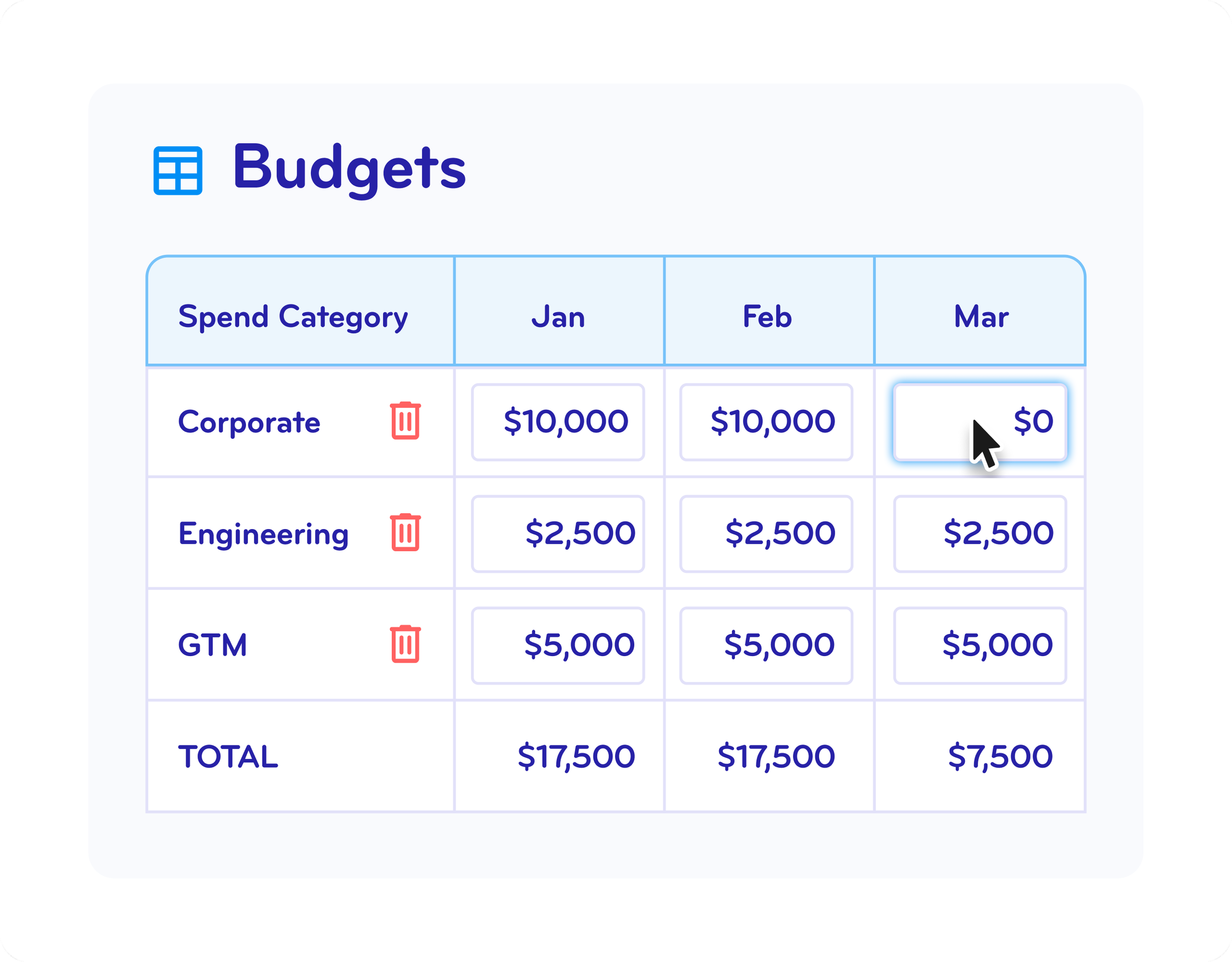
Check Every Spending Request Against Real-Time Budgets
Even when someone has authority to spend, budgets are your last line of defense.
BlueBean automatically checks each request against live budget availability before allowing a virtual card to be issued.
Validate spend by team, project, department, or category.
Block requests if budgets are depleted—unless a manual approval is granted.
Enable Category Draw to allow spending from other buckets when needed.
Adjust budgets instantly with one click as business conditions change.
Your teams stay agile. Your finance function stays firmly in control.
Catch Out-of-Policy Requests Before Any Money Is Spent
BlueBean enforces your spending rules up-front, not retroactively.
If a request exceeds a user’s spend limit, violates category restrictions, or fails a budget check, BlueBean automatically blocks the request and sends it for approval.
No accidental overspend.
No “I didn’t know.”
Just precise, real-time control.


Request

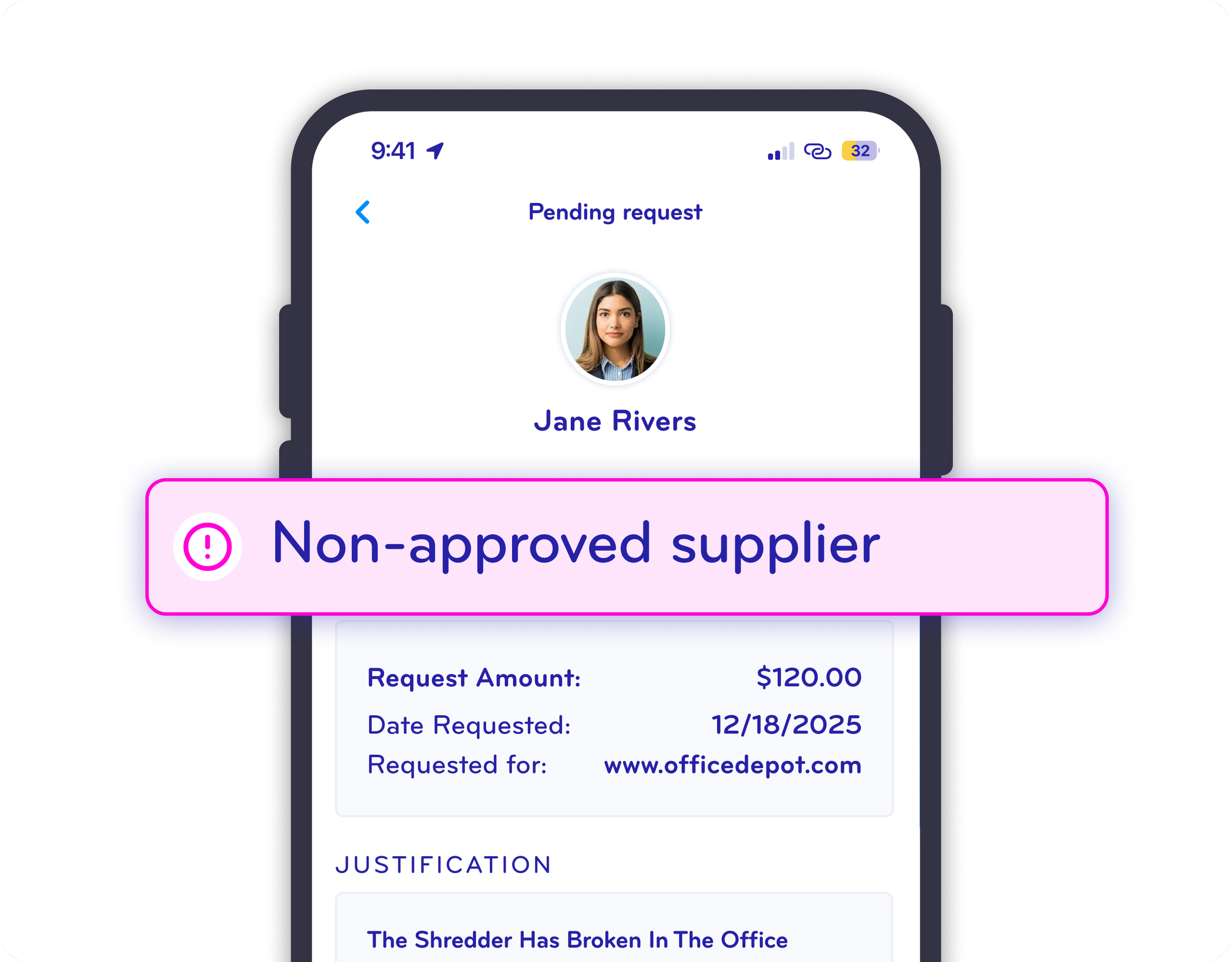
Blocked
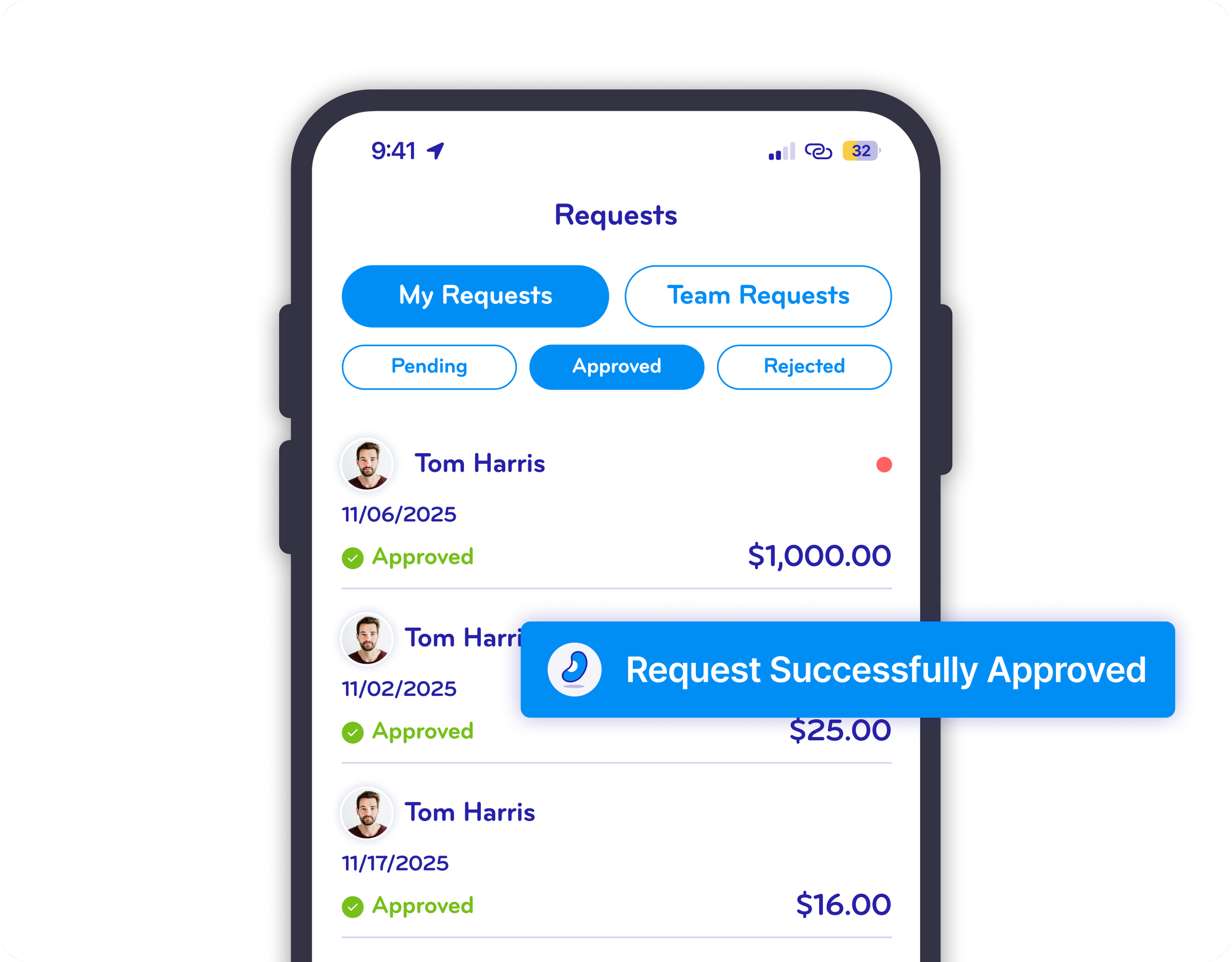
Approver
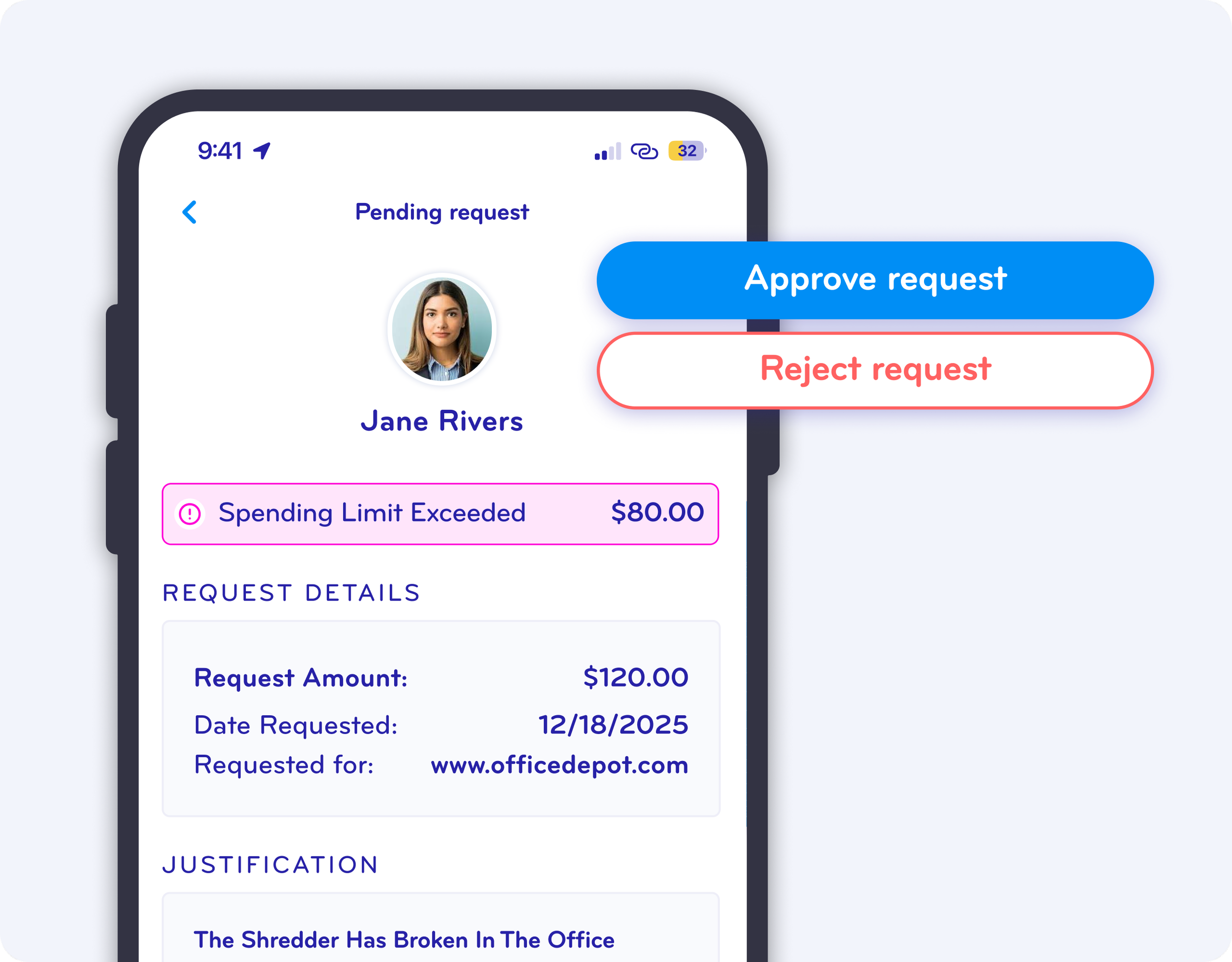
Manage Exceptions Instantly with One-Click Approvals
When exceptions need review, approving (or rejecting) them is effortless.
Approvers get instant notifications through the browser extension, mobile app, or email and can:
Approve and auto-issue a virtual card
Decline and close the request
Add context or notes when needed
Your business moves fast—without losing governance.
Automated controls to simplify Procure to Pay >
Experience Smart Approval Workflows
Stop surprise spending. Give your finance team instant visibility and control.
FAQ
-
BlueBean allows you to customize financial authority for every role and user in your organization.
Before any purchase is made, BlueBean automatically checks whether the employee has the appropriate approval level to initiate that spend. If they do not, the request is blocked or routed for approval — ensuring authority compliance happens before money moves. -
Every spending request is scanned in real time against the relevant budget.
If budget is available, the purchase proceeds automatically.
If there is not enough budget, BlueBean flags it before a card is issued — preventing overspending and eliminating the need to fix budget errors after the fact. -
Yes.
BlueBean is designed to catch out-of-control or noncompliant requests before the purchase occurs.
Every transaction request is checked against:Financial authority
Budget limits
Supplier rules
Category restrictions
Your company’s purchasing policies
Only compliant spend moves forward — reducing financial risk and eliminating after-the-fact corrections.
-
BlueBean makes exception handling extremely simple.
If a purchase falls outside normal limits — because of budget, authority, or policy issues — the request routes to the appropriate approver with a one-click decision workflow.
Approvers receive all contextual information needed to make a fast, informed decision. -
For many companies, yes.
Because BlueBean validates authority, budget, and policy instantly at checkout, it effectively removes the need for manual pre-approval flows for routine, compliant purchases.
Only exceptions require human approval — dramatically speeding up the process and reducing administrative overhead. -
Absolutely.
BlueBean’s financial controls are built to reflect your company structure and grow with it.
You can adjust authority levels, budgets, cost centers, and approval rules at any time — ensuring full control, even as your organization scales across teams, departments, and geographic regions. -
By preventing noncompliant, unauthorized, or out-of-budget spending before it happens, finance teams avoid:
Manual corrections
Back-and-forth clarifications
Unexpected spending surprises
Retroactive policy enforcement
Time-consuming reconciliation
BlueBean converts financial control from after-the-fact policing into a real-time automated protection system.
-
Yes.
Your financial controls can be simple (single-layer authority, basic budgets) or highly structured (multi-tier approvals, department-level rules, granular limits).
BlueBean scales seamlessly from SMB agility to enterprise-level governance.
Keep Every Dollar on Track
Financial control shouldn’t slow your business down. BlueBean gives you real-time governance, automated enforcement, and an effortless experience for employees and approvers.