

Automated Expense Management for Modern Finance Teams
Managing expenses shouldn’t feel like chasing receipts, reconciling mystery transactions, or waiting weeks for employees to submit reports. BlueBean’s automated expense management platform gives finance teams real-time visibility, instant receipt capture, and zero-touch reconciliation—powered by smart virtual cards that enforce policy before spend happens.
Whether you’re a controller, accountant, or CFO, BlueBean turns expense management into a seamless, automated flow your team can trust.

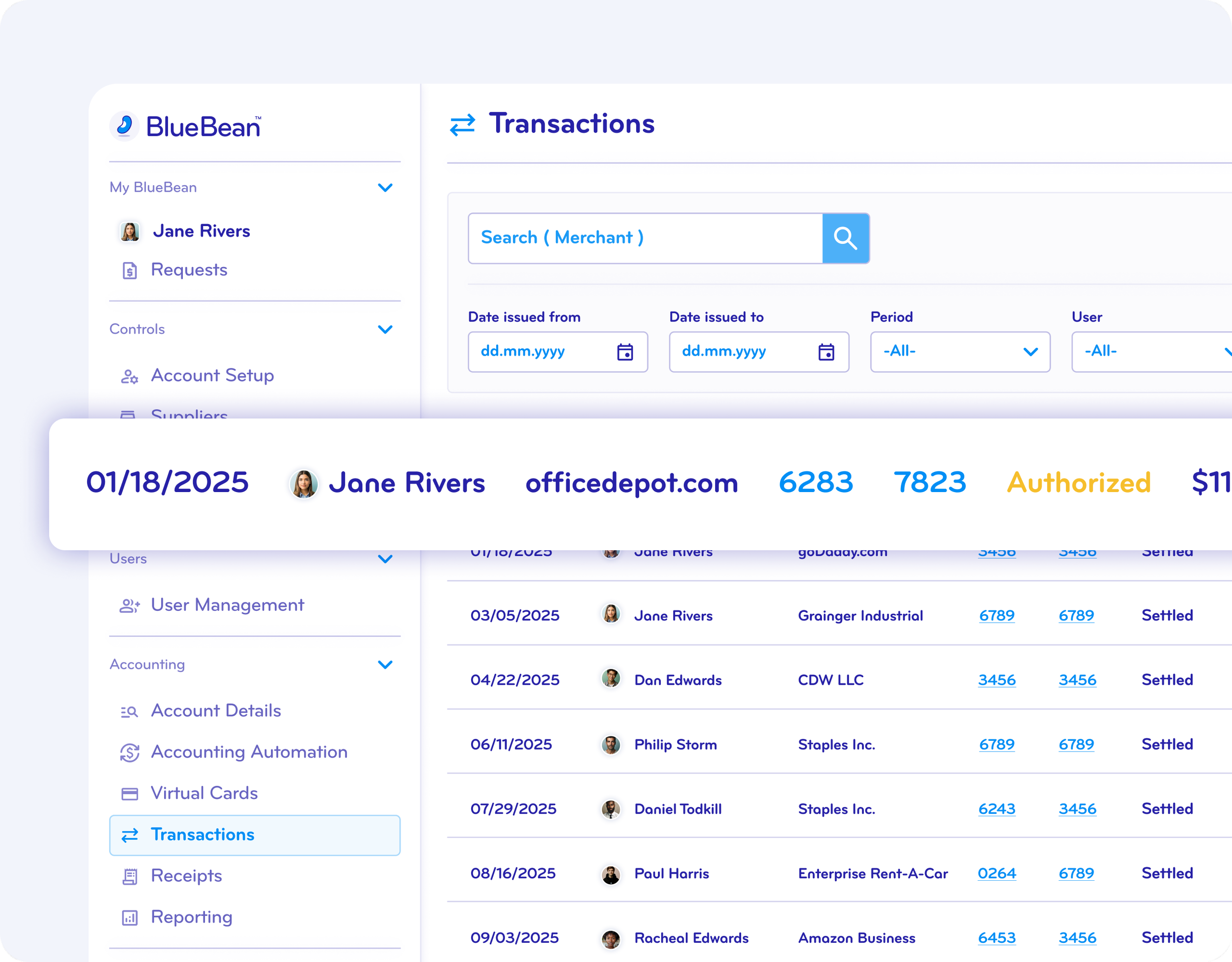
Real-Time Transaction Capture and Smart Classification
BlueBean protects your business from after-the-fact surprises by capturing every purchase the moment it happens—no more waiting for employees to submit reports or searching through card statements.
Our platform automatically:
Captures each transaction in real time
Applies AI-driven merchant and category classification
Tags spend to departments, projects, or cost centers
Flags exceptions instantly for review
Syncs clean, structured data directly into your ERP or accounting system
The result: cleaner books, faster close, and dramatically fewer back-and-forth questions.
Less work with automated tracking expenses ➜
AI-Powered Receipt Tracking and Matching
Receipts are no longer the bottleneck.
BlueBean uses AI-powered, automated receipt extraction that ensures documentation is never lost, late, or incomplete:
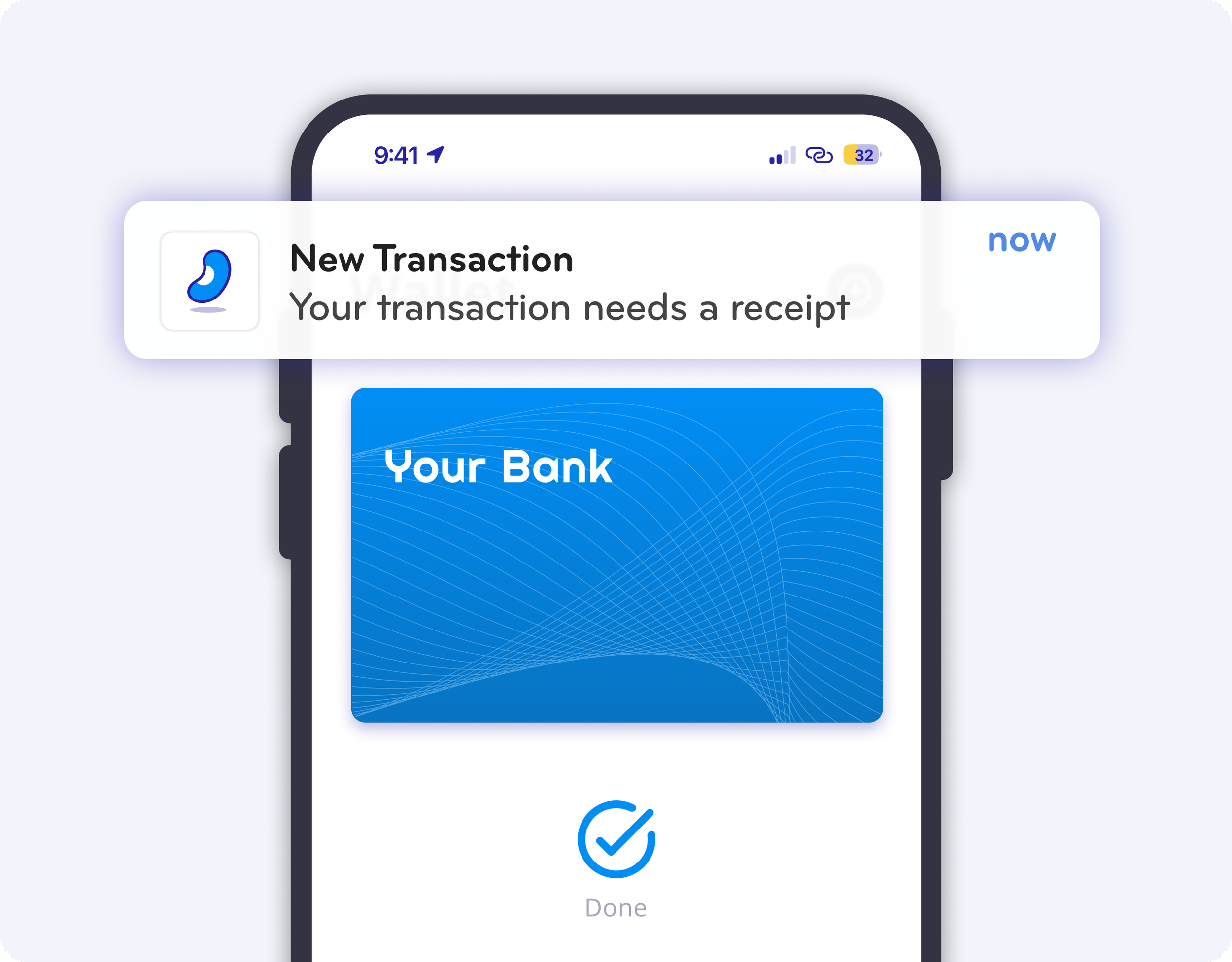
Instant mobile notification after every card payment
One-tap photo capture or auto-ingestion of email receipts
AI extracts vendor, amount, tax, and line-item data
Full auto-matching with transactions—no manual coding
Policy checks and compliance rules applied automatically
Your finance team gets clean, audit-ready data with zero effort from employees.
Empower Employees with Effortless Expense Reporting
No more spreadsheets. No more “expense report Sundays.” No more frustration.
With BlueBean, employees get:
Pre-approved virtual cards that eliminate personal spend
Tap-to-pay in Apple Wallet and Google Wallet
Automatic receipt reminders and one-click submission
A frictionless in-app flow to resolve exceptions
Full transparency on remaining budgets and card limits
Employees spend confidently. Finance teams stay compliant. Everyone wins.
Maintain Full Visibility and Control Over Business Spend
Take control of every dollar—before it’s spent.
BlueBean’s platform gives finance teams:
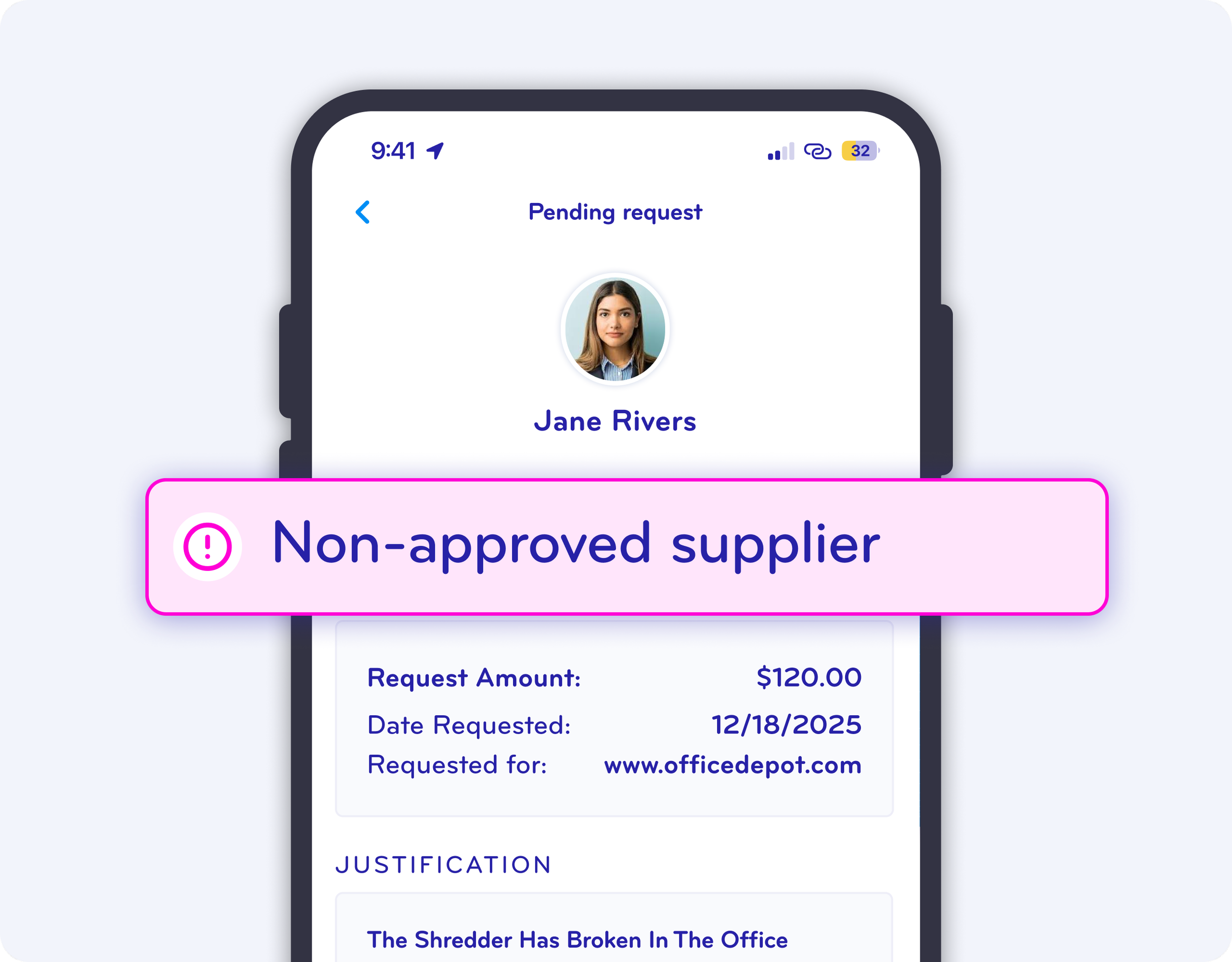
Policy-driven virtual card controls
Spend limits by user, team, merchant, or category
Real-time alerts for unusual transactions
Configurable approval workflows
Consolidated dashboards for 100% visibility
BlueBean helps finance teams enforce discipline without slowing down the business. Manage risk. Eliminate surprises. Close the books faster.
Seamless Integration with All Leading Accounting Systems
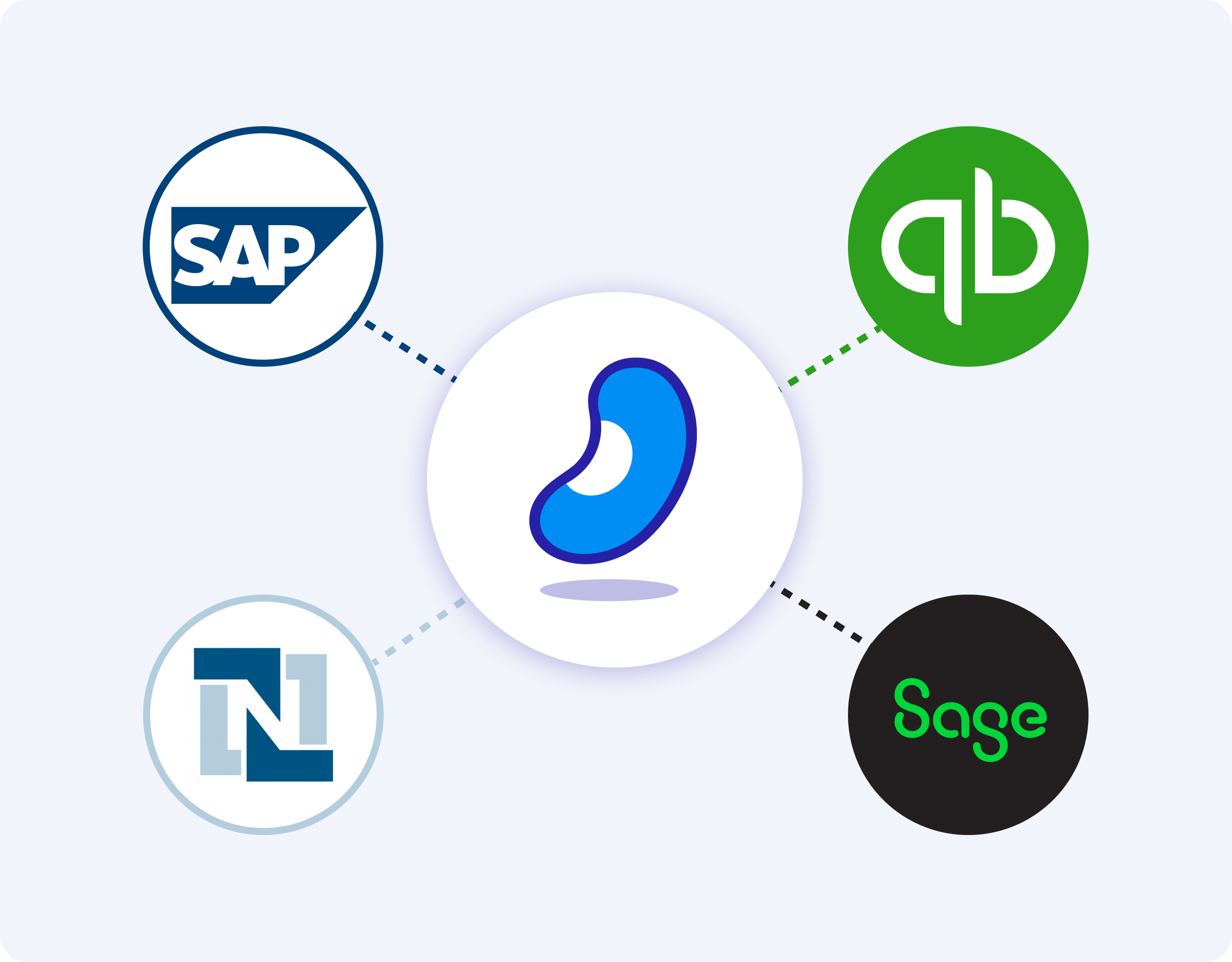
BlueBean plugs directly into the systems you already use.
We integrate with:
QuickBooks
Xero
NetSuite
Sage
Microsoft Dynamics
And all major ERPs through our open API
Sync transactions, receipts, and coding instantly—no manual work, no messy imports, no duplicated data. BlueBean keeps your finance stack clean and automated.
What is modern expense management?
Modern expense management automates how business spending is captured, categorized, and accounted for — without relying on reimbursements or manual expense reports. With BlueBean, expense management is card-native by design: every transaction is captured in real time, enriched with context, and prepared for accounting as soon as payment occurs.
By embedding controls, receipt capture, and accounting logic directly into card transactions, BlueBean eliminates the traditional gap between spending and expense processing. The result is immediate visibility, built-in compliance, and dramatically reduced manual work for employees and finance teams.
How BlueBean differs from traditional expense management tools
Traditional expense management tools focus on reimbursing employees after spending has already occurred. This approach requires manual receipt collection, expense reports, and post-spend reviews that increase workload and delay financial visibility.
BlueBean takes a fundamentally different approach by managing expenses at the point of payment. Transactions are executed using secure cards with embedded controls, receipts are captured automatically, and expenses are categorized instantly. Instead of correcting issues after the fact, BlueBean ensures spending is compliant, documented, and ready for accounting from the moment it happens.
How BlueBean scales from expense management to full spend control
BlueBean is designed to scale with organizations as their needs evolve. Teams can start by automating expense tracking and receipt capture for existing cards, then expand to issuing virtual cards with embedded controls, and ultimately manage all online and in-store spending through a single platform.
This unified approach allows finance teams to move from reactive expense processing to proactive spend control — without changing tools or retraining employees. Whether managing day-to-day expenses or company-wide purchasing, BlueBean provides a consistent, card-native foundation for controlling and accounting for every transaction.
FAQ
-
BlueBean removes the need for employees to manually track, collect, or submit expenses.
Instead of expensing after the fact, BlueBean captures and categorizes every expense the moment it happens, whether online or in-store.
This eliminates receipt chasing, reimbursement delays, and month-end surprises for finance teams. -
Employees pay using approved virtual cards in their mobile wallet.
Right after a tap-to-pay purchase, BlueBean sends a notification prompting the user to capture or upload a receipt.
The system automatically matches the receipt to the transaction and enriches it with accounting details. -
For online purchases, the BlueBean checkout extension captures the receipt immediately after purchase.
It then extracts key details, attaches them to the transaction, and syncs everything into your expense automation workflow — without requiring a separate expense action from the employee. -
BlueBean applies your company’s accounting rules, categories, cost centers, and objects at the moment the transaction happens.
If the expense needs to be itemized, employees can add items directly and BlueBean applies the correct accounting mapping.
This classification is then used to automate journal entries later in the process. -
Yes.
Every transaction appears instantly in both the employee’s log and the Expense Dashboard.
This gives managers, accountants, and finance teams immediate visibility into:What has been spent
Where
By whom
Against which budget or account
No waiting for employees to submit reports.
-
BlueBean sends reminders and supports alternative receipt sources such as email-to-AI forwarding, making it easy to attach missing receipts.
Every expense ends up fully documented and reconciled — without finance chasing employees. -
All enriched transactions flow directly into your accounting system through seamless integration.
Since BlueBean applies chart of accounts, cost centers, objects, and accounting rules up front, your ERP receives fully coded, compliant, ready-to-post expense entries. -
Yes.
BlueBean supports:Simple SMB expense structures
Multi-layer enterprise accounting mappings
Multiple card types
Mixed teams with different policies
Complex objects (projects, clients, departments)
The system grows with your organization without adding administrative burden.

Ready to Automate Your Entire Expense Management Process?
BlueBean makes expense management faster, smarter, and dramatically easier—for finance teams and employees alike.
Try BlueBean free or book a demo to see how automation and virtual cards can transform your company’s financial operations.